


Anyking S14-F 14" 1200P Laptop Screen Extender, 16:10 IPS, 450 Nits
Get your ANYKING S14 - F for $439.98 and save $110!
Fast Free Shipping
2-7 Days
Free Return
30 days
Warranty
1-year


BLACK FRIDAY
Save up to 40% and more
Subscribe & Spin to Win
Top Prize: A Free Product
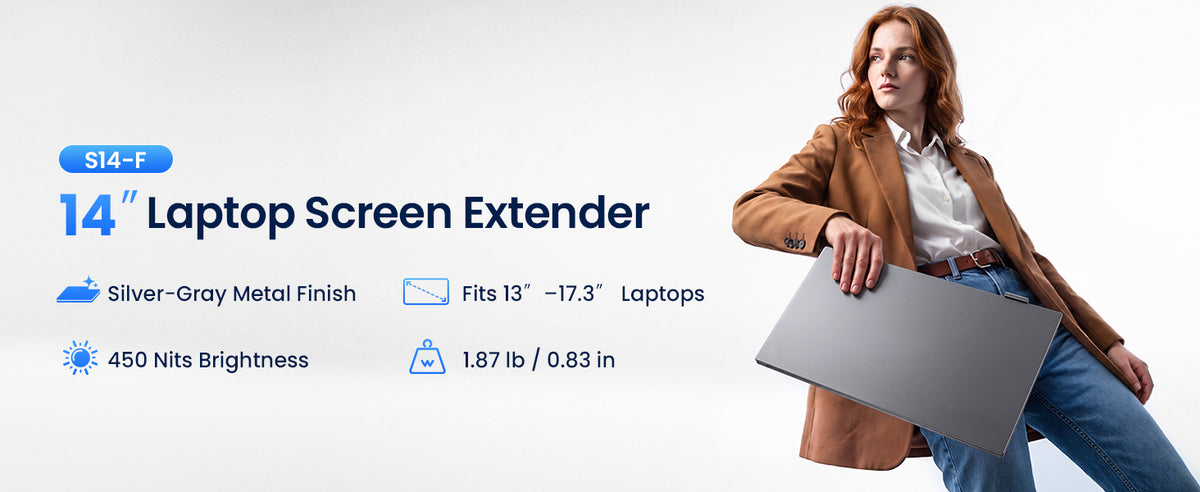
Create a more productive two-screen workspace with the ANYKING S14-F, a 14-inch laptop screen extender featuring a 1920 × 1200 IPS display and a taller 16:10 aspect ratio.
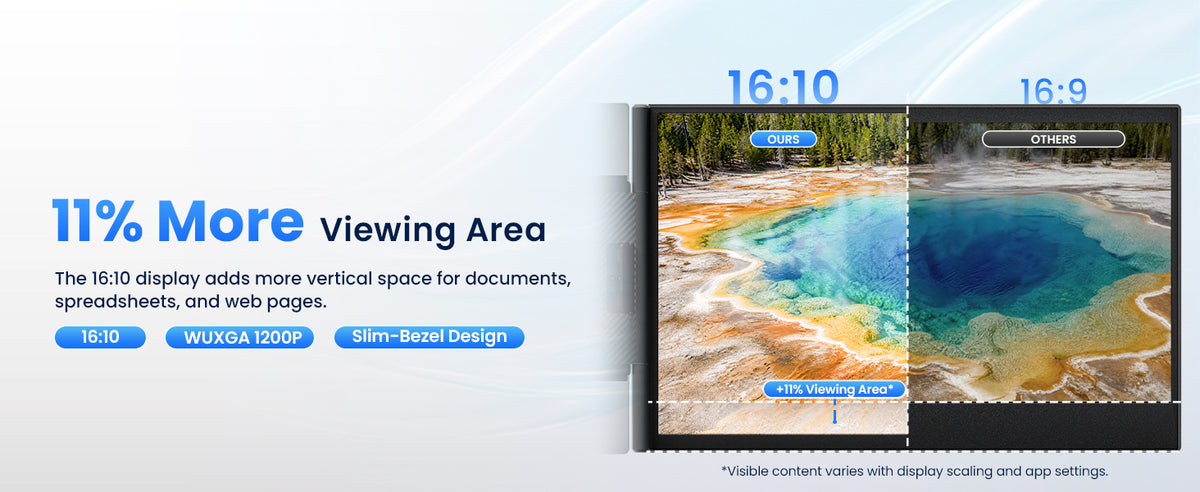
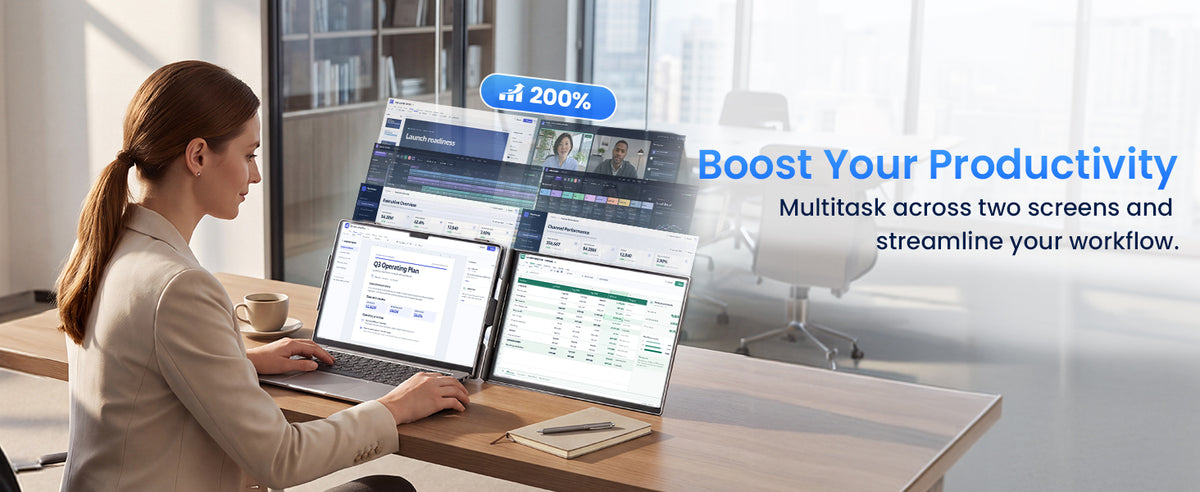
Keep spreadsheets, documents, coding windows, and reference materials visible beside your main task. The extra vertical screen space lets you see more content at once and scroll less while working.
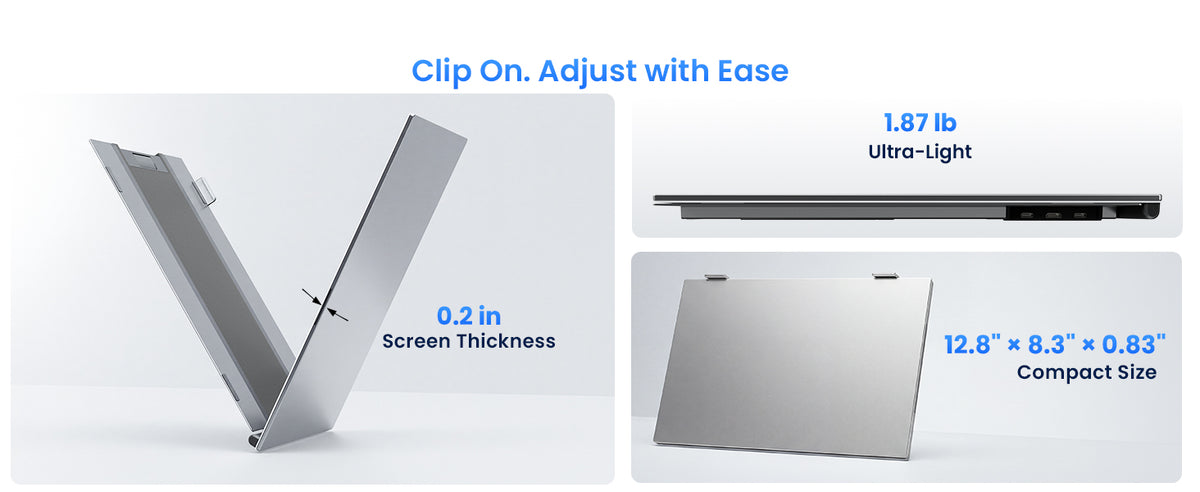
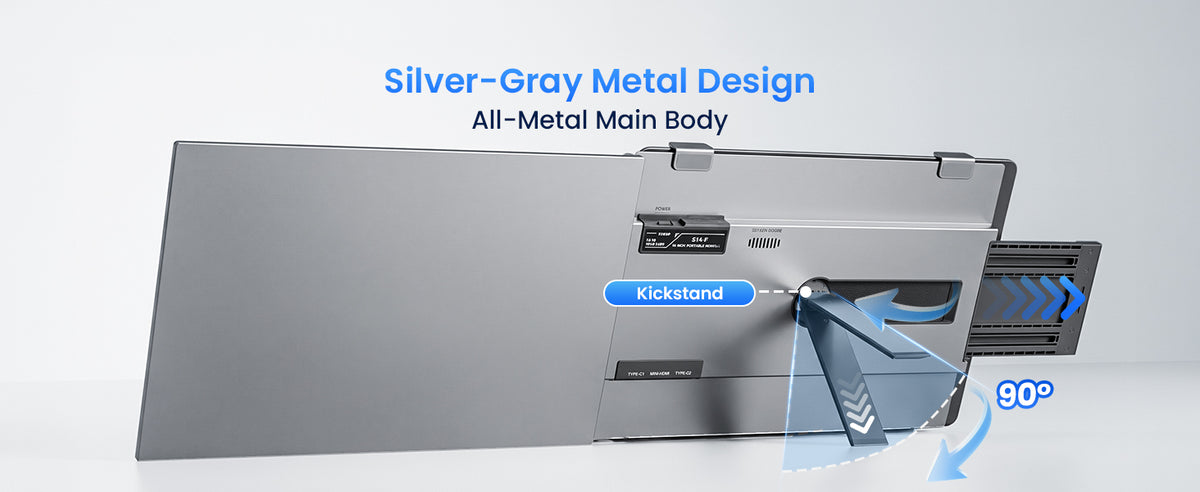
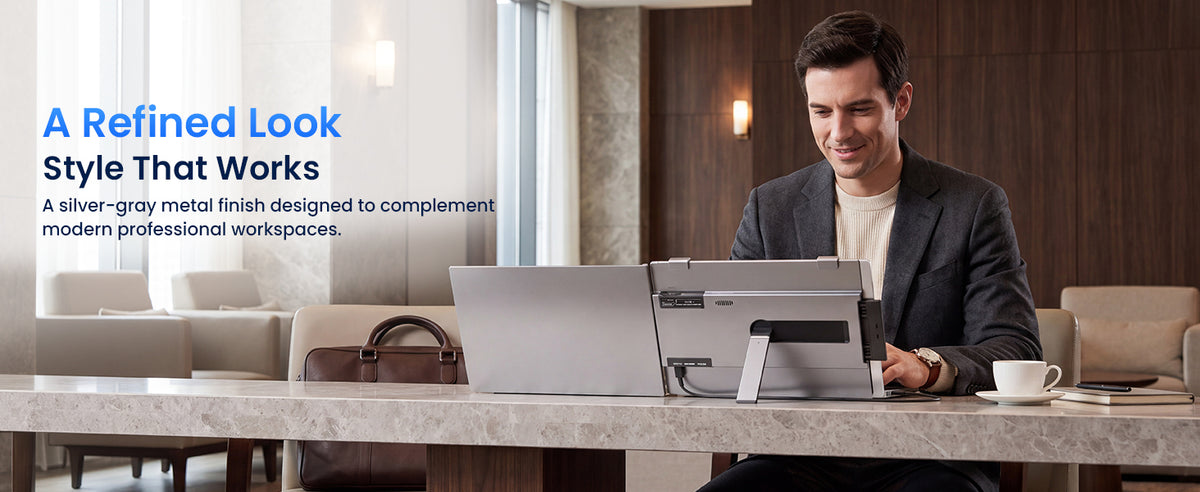
With a matte screen, rated 450-nit brightness, a metal body, and a lightweight 1.87 lb design, S14-F brings additional screen space to your home office, workplace, or travel setup.
More vertical space. Clearer details. Less scrolling.
- Screen Size: 14″ IPS display
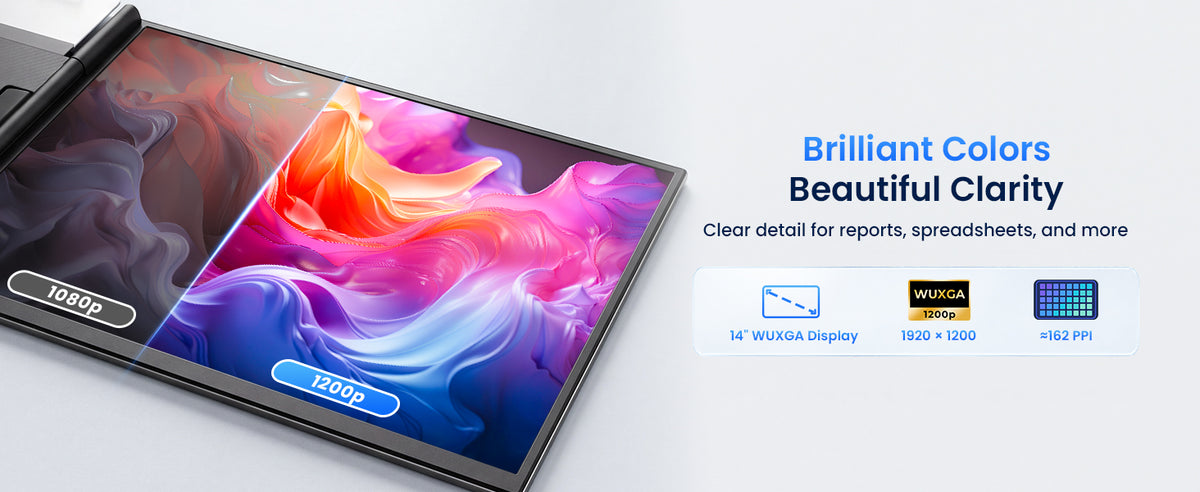
- Resolution: 1920 × 1200 (1200P)
- Aspect Ratio: 16:10
- Rated Brightness: 450 nits
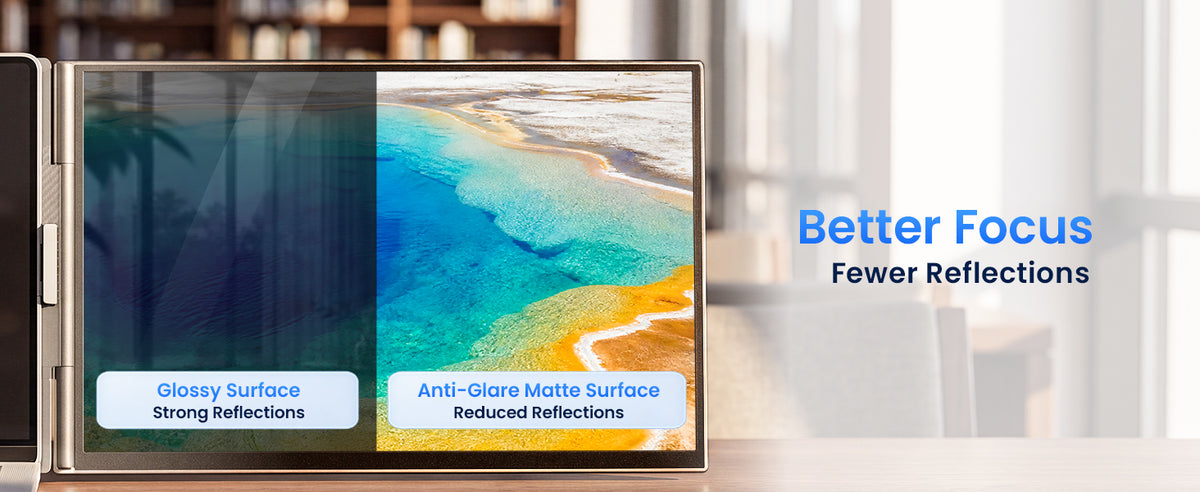
- Screen Surface: Matte, anti-glare
- Weight: 1.87 lb (approx. 0.85 kg)
- Body Material: Metal
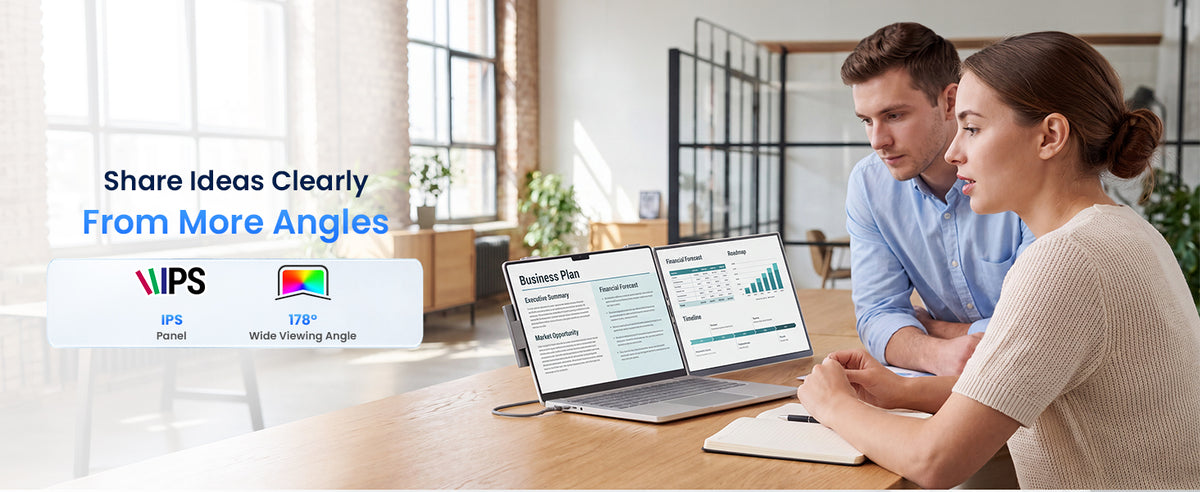
The 16:10 display provides more vertical viewing space than a 16:9 Full HD screen, making it convenient for reading documents, reviewing spreadsheets, and writing code.
Flexible, driver-free connections for compatible laptops.
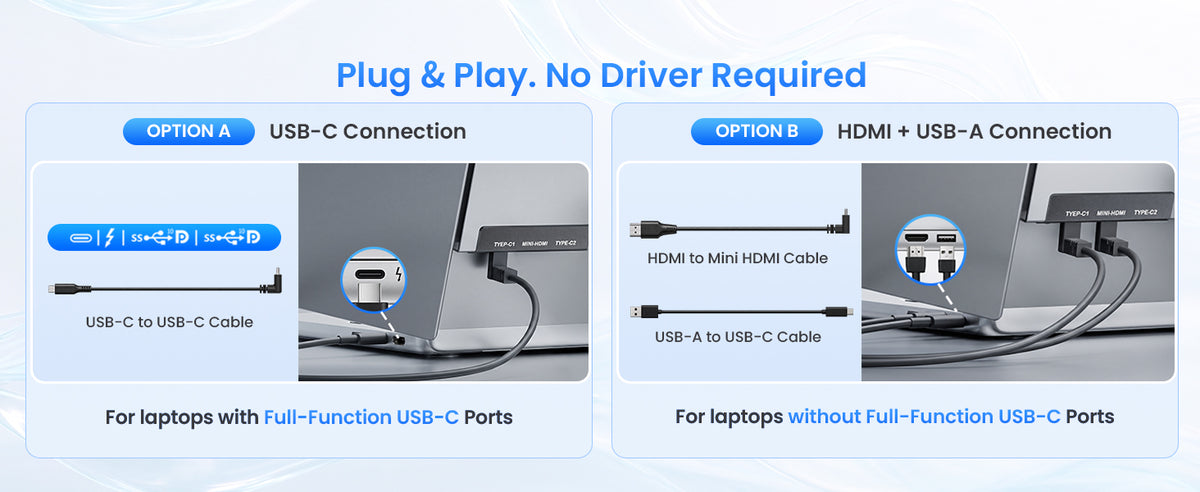
USB-C Connection
Connect S14-F through a USB-C port that supports DisplayPort Alt Mode and provides sufficient power. A compatible USB-C connection can carry video and power through one cable.
HDMI + USB-A Connection
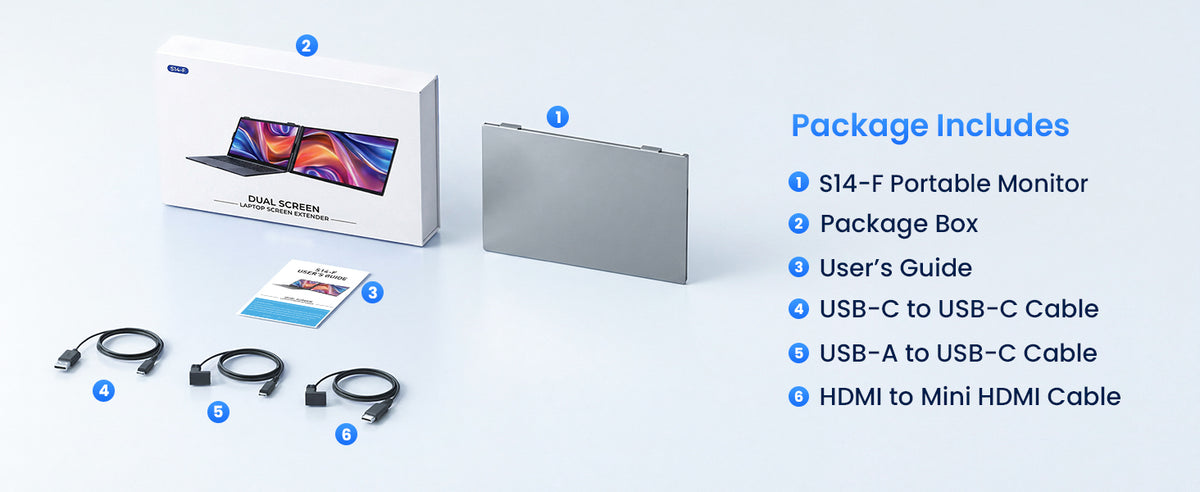
For laptops with an HDMI video output, use the HDMI connection for video and USB-A for power, following the supplied connection instructions.
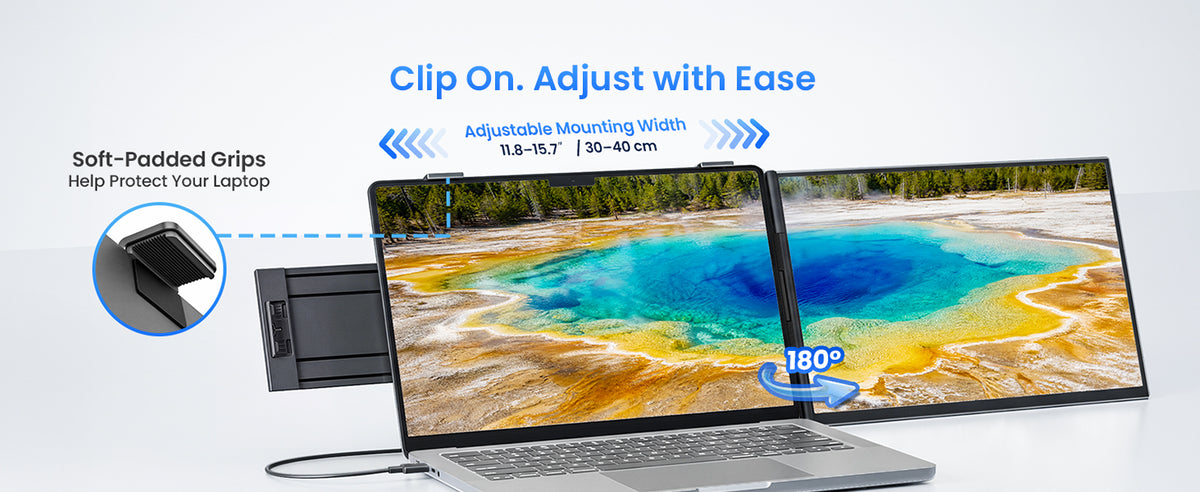
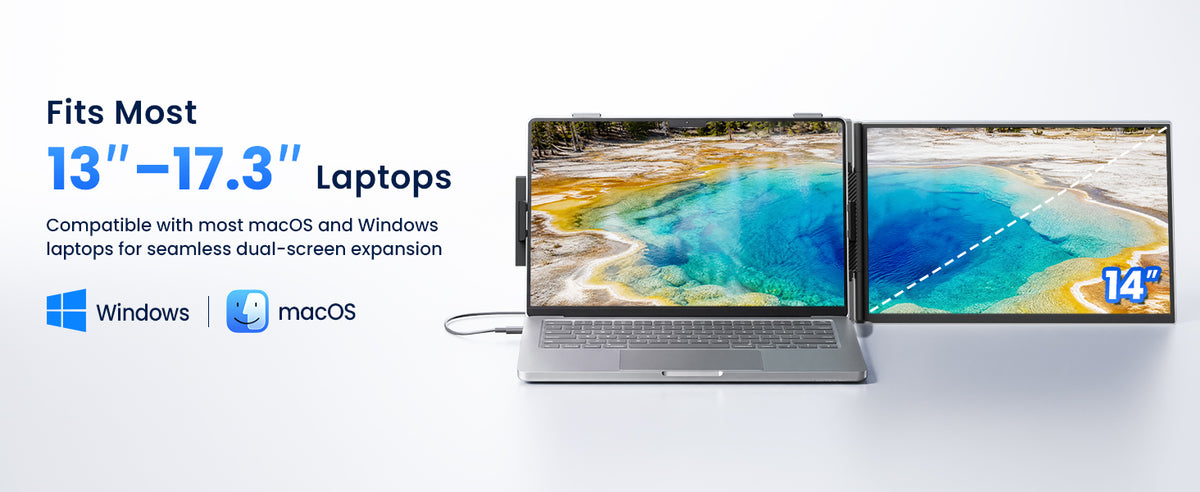
- Compatible Laptop Sizes: Most 13–17.3″ laptops, subject to mounting fit
- Operating Systems: Compatible Windows and macOS devices
- Driver Requirement: No additional display driver for compatible direct connections
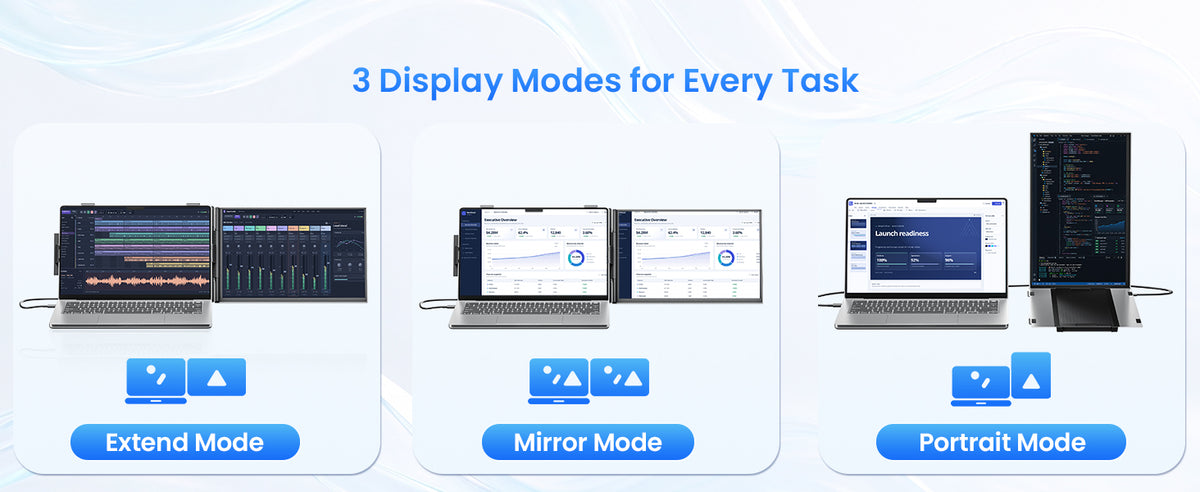
- Display Modes: Extend or mirror, depending on computer capabilities
Before purchasing: Check your laptop's video-output capabilities, available ports, power supply, and mounting compatibility.
Get started with your ANYKING S14-F.
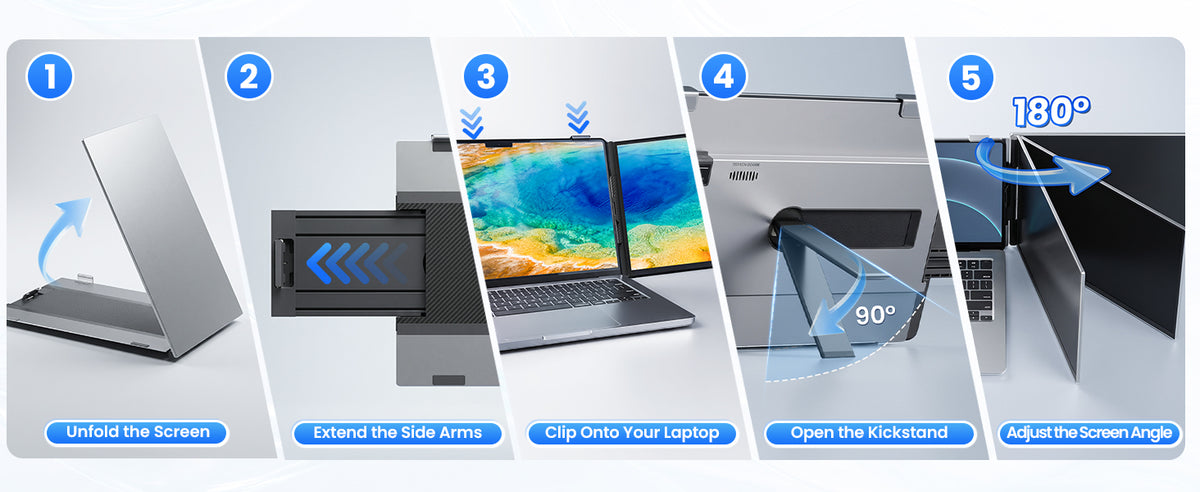
Visit our User Manuals & Guides for available product instructions, connection guidance, and display setup information.
For help with USB-C video output, HDMI connections, display detection, or other setup questions, visit our Help Center.
If you cannot find the S14-F guide, please contact our support team for assistance.
We're here to help you get the most from your ANYKING S14-F.
For warranty assistance, visit our Support Center. For return eligibility and conditions, please review our Return & Refund Policy.
If you experience connection issues, display problems, or need compatibility assistance, please contact ANYKING Support or email us at service@anyking.com.
Please include your order number, laptop model, operating system, and a brief description of the issue so our team can assist you.



Setup, Drivers & Compatibility
What is the ANYKING S14-F laptop screen extender?
The ANYKING S14-F is a 14-inch portable laptop screen extender that adds one 1920 × 1200 IPS display to your laptop, creating a two-screen workspace. It helps you keep documents, spreadsheets, coding windows, and reference materials visible alongside your main task without constantly switching between tabs.
What is the difference between 1200P and 1080P laptop monitors?
The S14-F features a 1920 × 1200 resolution, compared with 1920 × 1080 on a standard Full HD display. Those additional 120 vertical pixels provide more room for documents, spreadsheets, and code at the same display scaling, helping you view more content with less scrolling.
What are the benefits of the S14-F's 16:10 aspect ratio?
The 16:10 aspect ratio gives the S14-F a taller viewing area than a conventional 16:9 display. This makes it especially useful for reading long documents, viewing spreadsheet rows, writing code, and comparing information while working across two screens.
Does the ANYKING S14-F have an anti-glare screen?
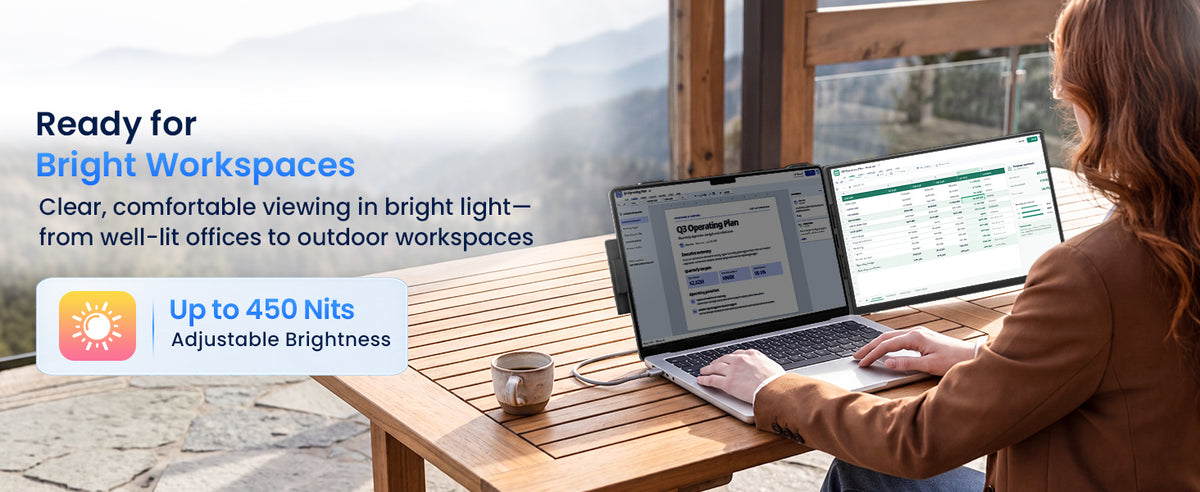
Yes. The S14-F features a matte IPS display designed to reduce distracting reflections from nearby windows and indoor lighting. With a rated brightness of 450 nits, it provides a clear viewing experience across a range of working environments. Actual visibility depends on surrounding light and screen settings.
Can I connect the S14-F using just one USB-C cable?
Yes, if your laptop has a compatible USB-C port that supports DisplayPort Alt Mode and provides sufficient power. A suitable USB-C connection can carry both video and power through one cable.
Not all USB-C ports support video output. Check your laptop's specifications before connecting.
How do I connect the S14-F if my laptop has HDMI?
If your laptop has a compatible HDMI output, connect the S14-F using the specified HDMI video connection and a USB-A power connection, following the product's connection instructions.
HDMI carries the video signal, while USB-A supplies power. A USB-A port alone cannot provide native video output to the S14-F.
Does the ANYKING S14-F require a driver?
No additional display driver is required for compatible direct USB-C video or HDMI connections.
For USB-C video, your laptop must support DisplayPort Alt Mode. For HDMI connections, follow the required video and power connections. If the display is not detected, check the cables, available ports, power supply, and your laptop's display settings.
Is the ANYKING S14-F compatible with Windows and MacBook laptops?
The S14-F supports compatible Windows and macOS laptops with the required video outputs and power connections.
For MacBook Air or MacBook Pro, compatibility depends on the specific model, available ports, and external-display capabilities. A USB-C port does not automatically guarantee video output.
If you're unsure, contact ANYKING Support with your laptop model before purchasing.
Will the S14-F fit my 13-inch, 14-inch, 15-inch, or 17-inch laptop?
The S14-F is designed for most compatible laptops measuring approximately 13–17.3 inches.
However, diagonal screen size alone does not guarantee a proper fit. Check your laptop's screen-frame dimensions, mounting clearance, and connection ports before purchasing.
Is the S14-F suitable for remote work and business travel?
Yes. With a 14-inch display, metal body, and approximate weight of 1.87 lb (0.85 kg), the S14-F is designed for portable multi-screen productivity.
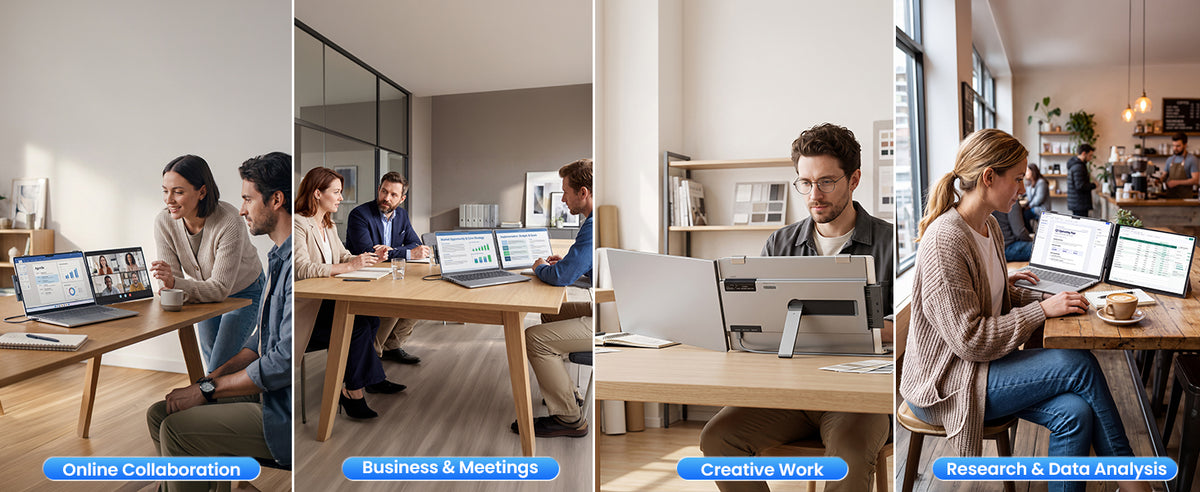
It can provide additional viewing space for spreadsheets, research, meetings, and everyday multitasking at home, in the office, or while traveling. Always use a stable working surface and follow the product's installation instructions.
What should I do if the S14-F displays "No Signal" or a black screen?
First, check that your laptop's connection supports video output and that the required power is available.
- USB-C: Confirm DisplayPort Alt Mode support and use a video-capable USB-C cable.
- HDMI: Check the HDMI video connection and separate USB power connection.
- Display Settings: Check whether your computer detects the external monitor.
- Power: Verify that the display is receiving sufficient power.
If the issue continues, contact ANYKING Support with your laptop model, operating system, and connection details.
Where can I find the S14-F user manual, warranty information, and technical support?
You can find available installation instructions and connection guidance through the ANYKING User Manuals & Guides page.
For setup assistance, compatibility questions, and troubleshooting, visit the ANYKING Help Center.
For warranty assistance or other product issues, contact ANYKING Support. You can also review our Return & Refund Policy for applicable return conditions.