


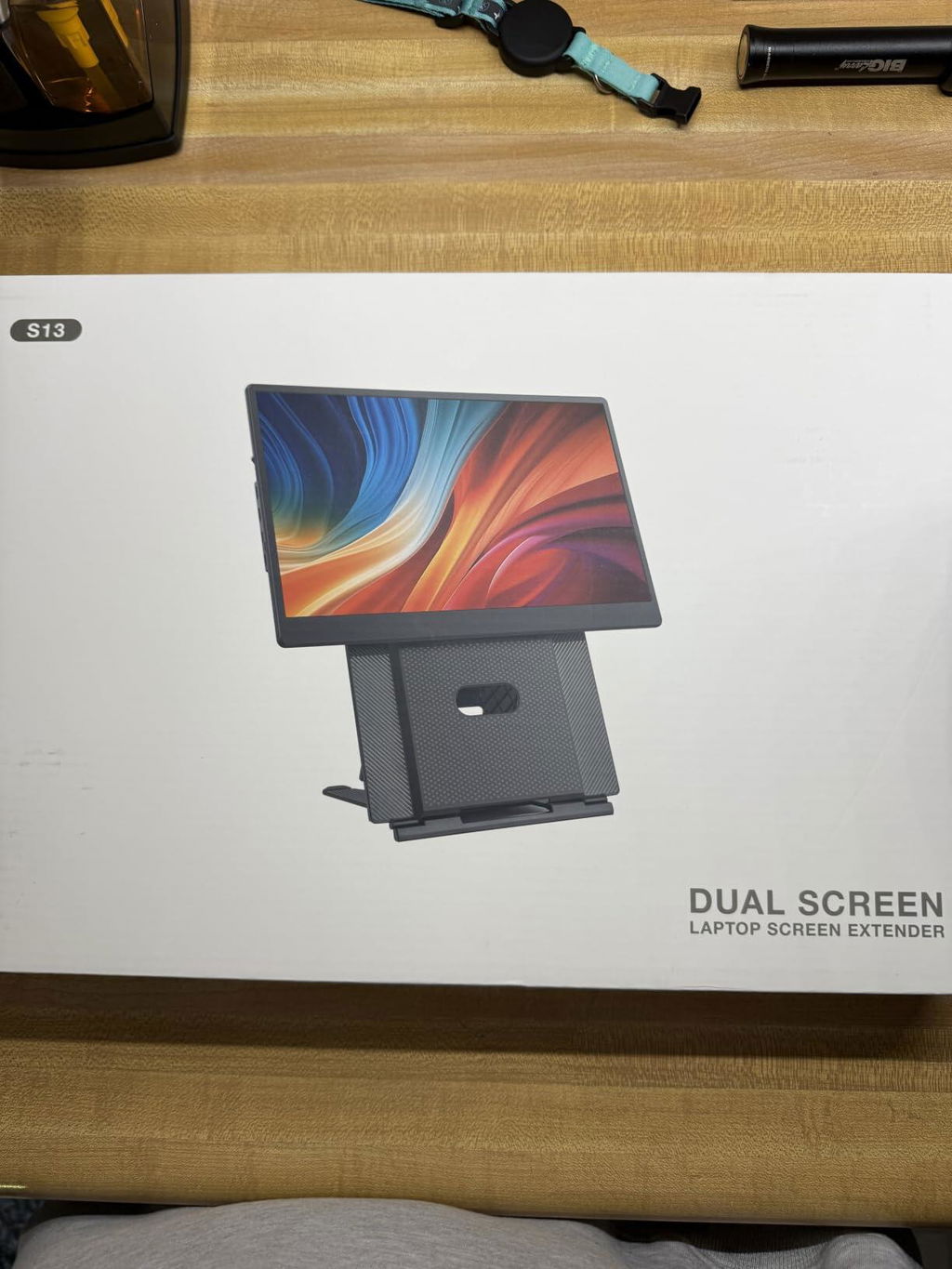
ANYKING S13 | 15.6" FHD シングルスクリーンエクステンダー | 着脱式デザイン
ANYKING S13を88.99ドルで購入して、10ドル節約しよう!
迅速・送料無料
2~7日
無料返品
30日
保証
1年


ハロウィンセール
最大40%以上節約できます
購読してスピンで当たる
最優秀賞:製品1点プレゼント
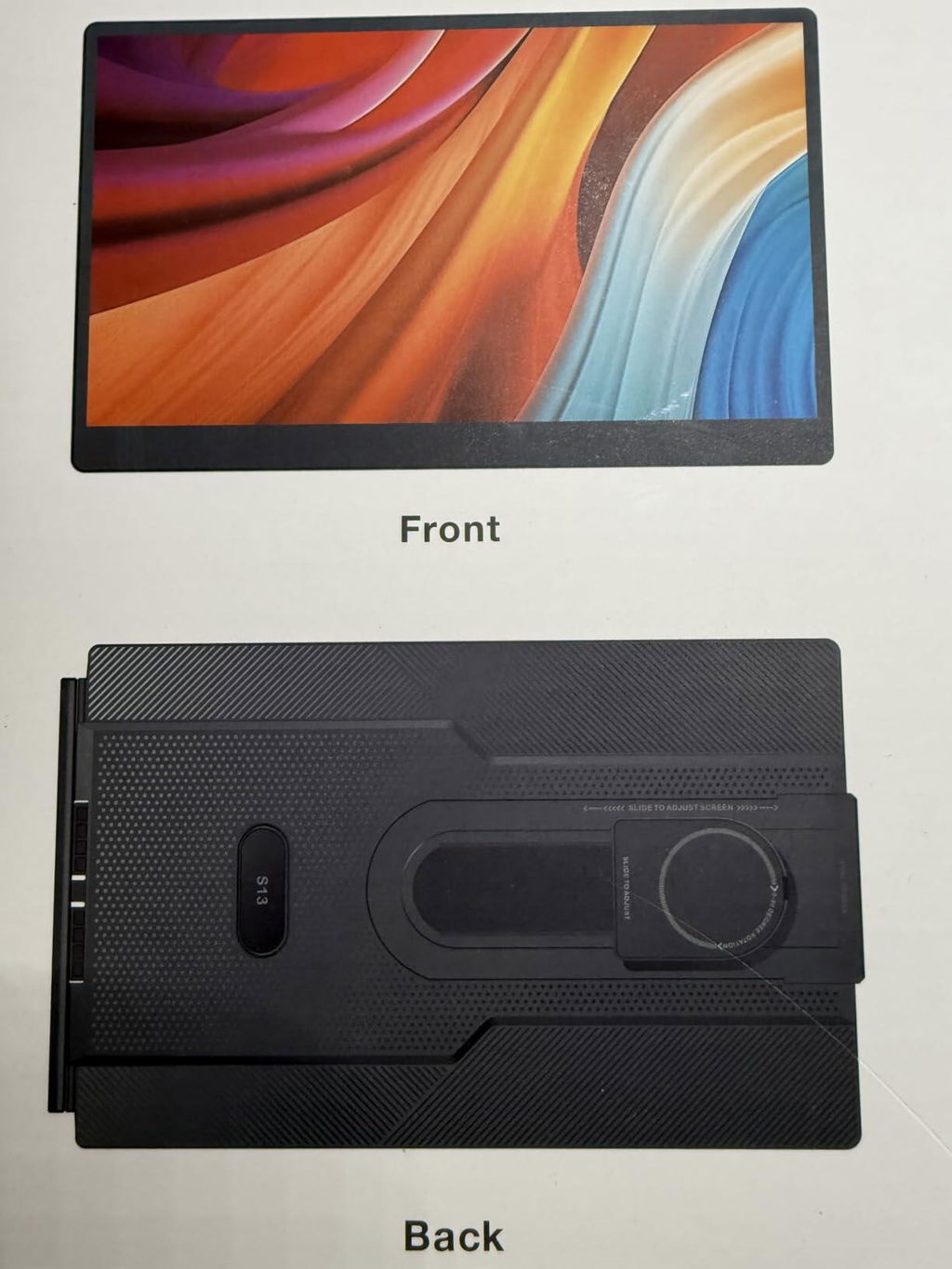
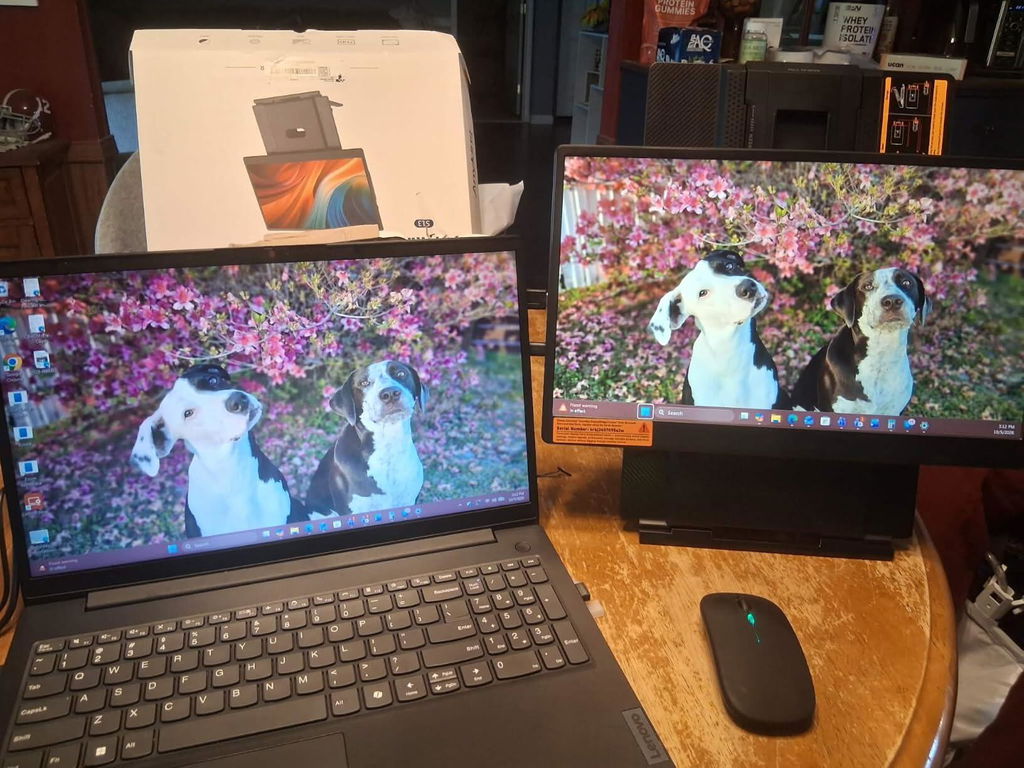
着脱可能なスクリーンと独立したスタンドを備えた15.6インチのポータブルモニター、ANYKING S13で、柔軟なデュアルスクリーン環境を作りましょう。ノートパソコンの上や横に配置すれば、メイン作業をしながらドキュメントや参考資料を確認したり、通話をしたりできます。
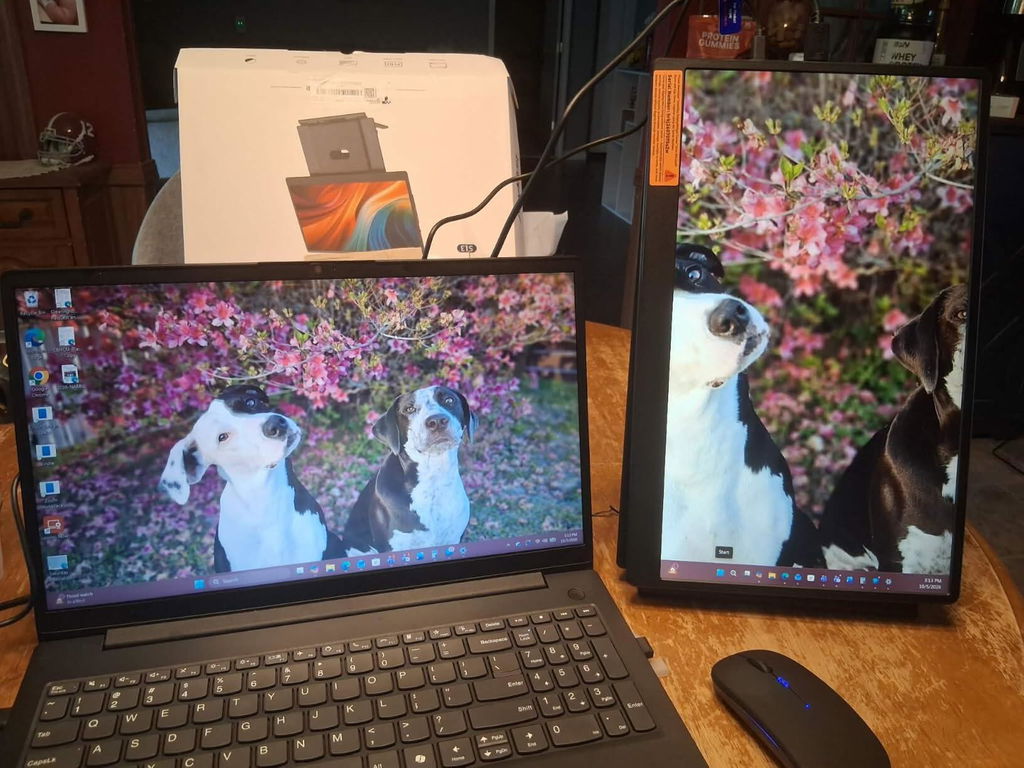
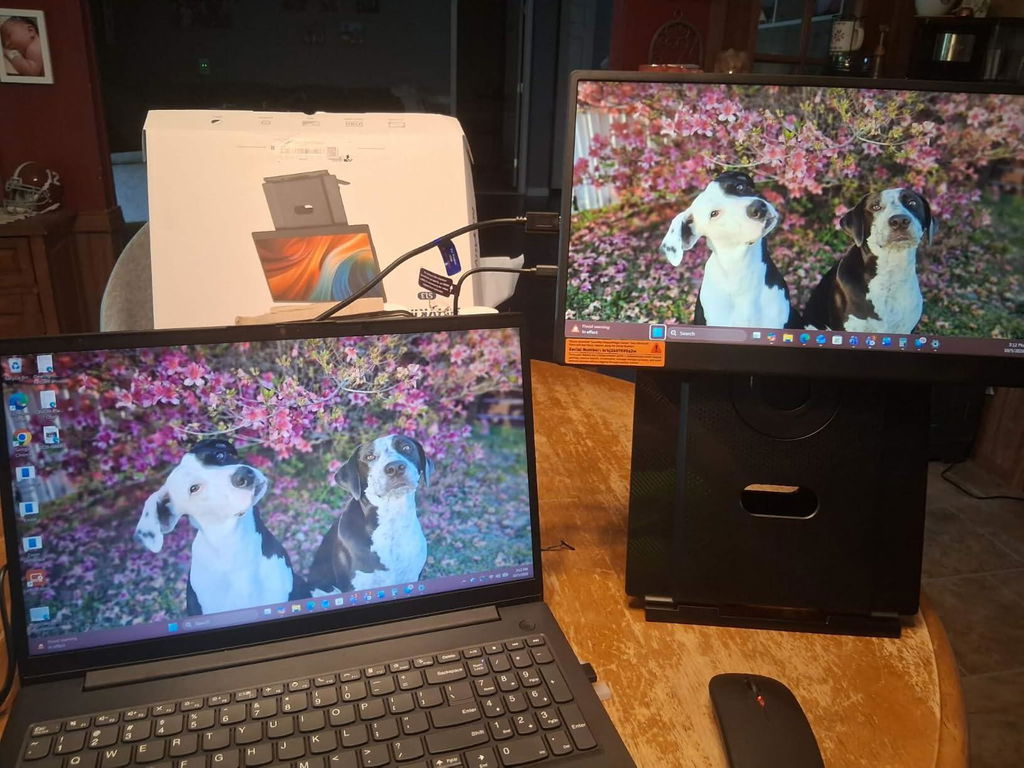
比較作業には横向き、長いドキュメントやコードの表示には縦向きに切り替えられます。2段階のスタンド高さ調節で快適な視聴位置を見つけられ、折りたたみ式なので片付けるときも簡単です。
フルHDの鮮明さと、柔軟な表示オプション。
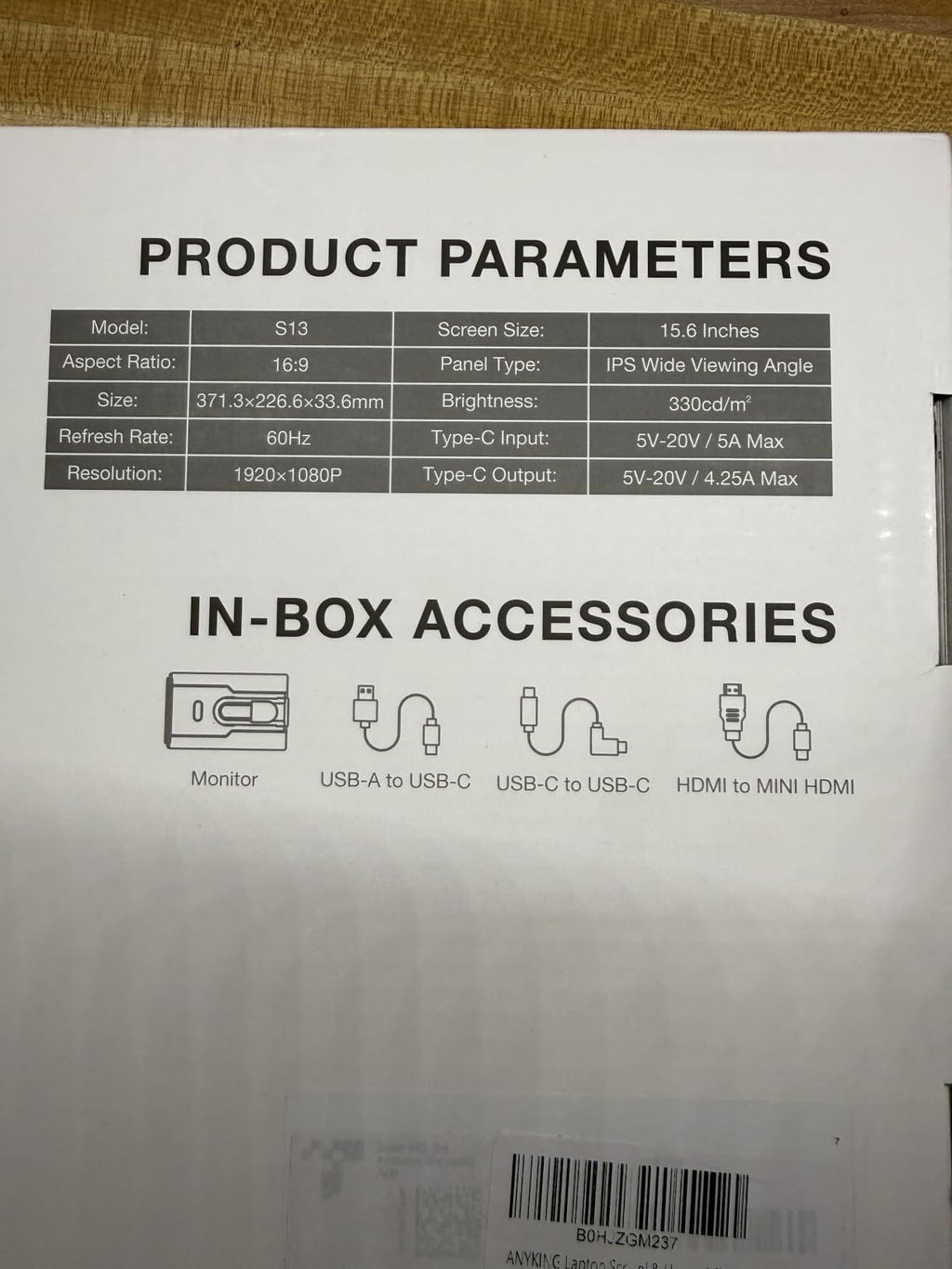
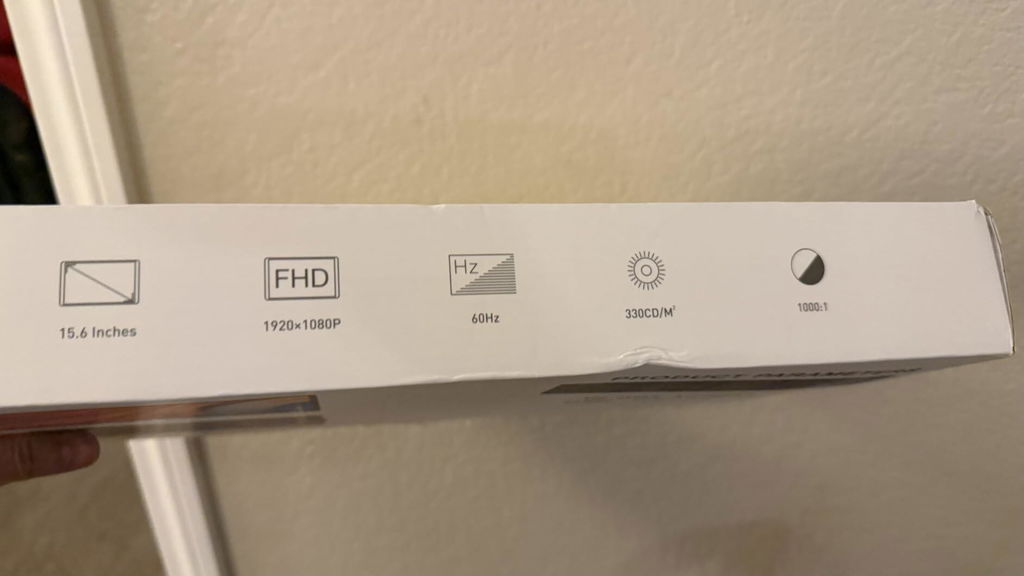
- 画面サイズ:15.6インチ IPSディスプレイ
- 解像度:1920 × 1080 フルHD
- アスペクト比:16:9
- リフレッシュレート:60Hz
- 定格輝度:330ニト
- 内蔵スピーカー:あり
- 表示方向:横向きおよび縦向き
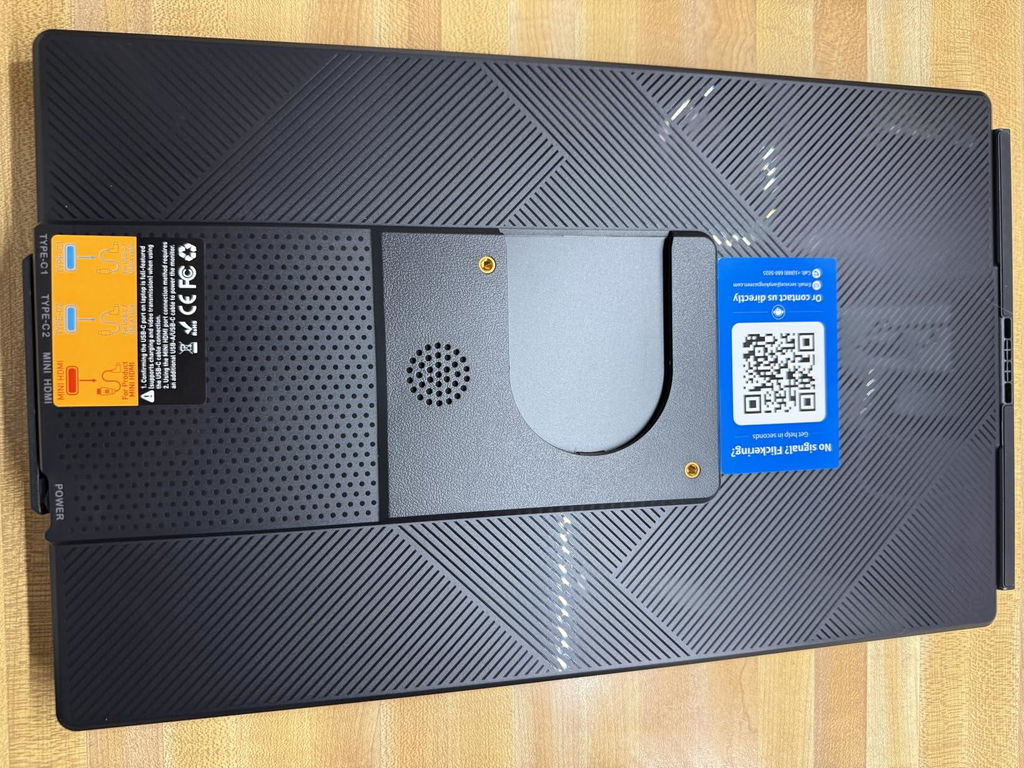
2 × USB-Cポートと1 × Mini HDMIポートを搭載。コンピューターがDisplayPort Alt Modeに対応し、十分な電力を供給できる場合は、USB-Cケーブル1本で接続できます。または、HDMIからMini HDMIを使用して映像を出力し、別途USBで電源を供給することもできます。
互換性のあるWindowsおよびmacOS搭載コンピューターで使用できます。USB-CまたはHDMIに直接接続して映像を出力する場合、追加のディスプレイドライバーは不要です。ご購入前にコンピューターの映像出力をご確認ください。
S13の組み立て手順、接続図、ディスプレイ設定については、ユーザーマニュアルページをご覧ください。画面の配置、互換性、またはトラブルシューティングに関するヘルプについては、ANYKINGサポートをご覧ください。
保証条件および補償範囲の詳細については、保証ページをご覧ください。S13に関するサポートが必要な場合は、注文番号、製品モデル、問題の説明を添えてお問い合わせください。

Like many people I work remotely partly during the week and having to work on a single laptop monitor is difficult. I don’t always want to work from my home office on my pc monitor so having this portable monitor has been super helpful. It comes with all the cables you will need including a mini hdmi to hdmi and a usb c cable. To power it you just plug in the usb c cable and the other end I power using my phones usb c wall adapter, the monitor has a mini hdmi port so just plug in the included cable to your laptops hdmi port. Then all you have to do is go to your laptop display settings and set up the 2nd monitor, I use mine to extend display so I can have spreadsheets open on one screen while my other one is used for production work.I have also used it as a display for my Nintendo Switch 2 and it works great for that as well, overall the screen is very well built and thought out, the only thing I wish it had was a padded carrying or storage case to help protect it. The screen itself is only 60hz but for office work that is plenty, it would be great to have a 120hz OLED but that would be way more expensive. Overall I am super happy with the monitor and its ease of use.
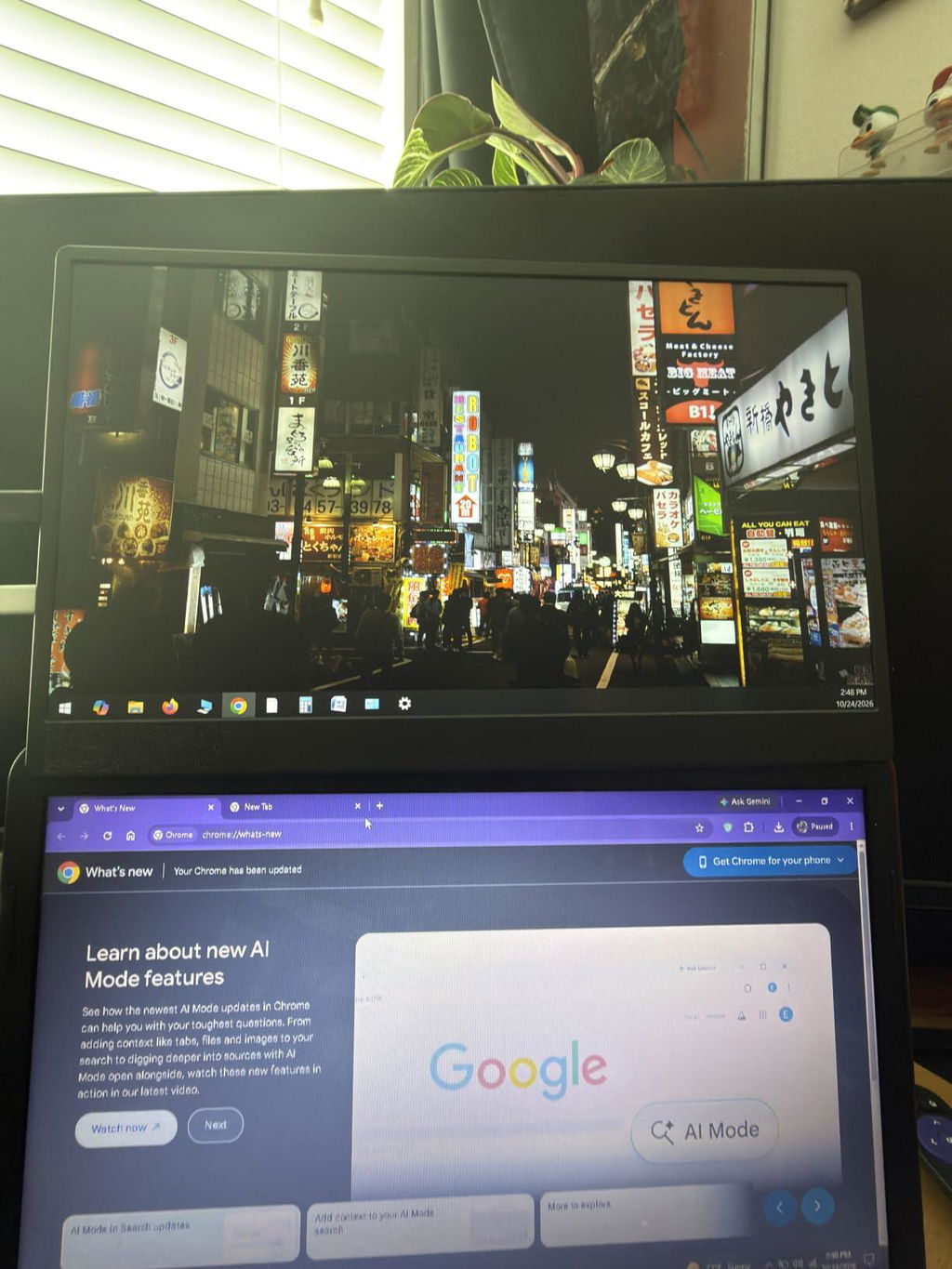
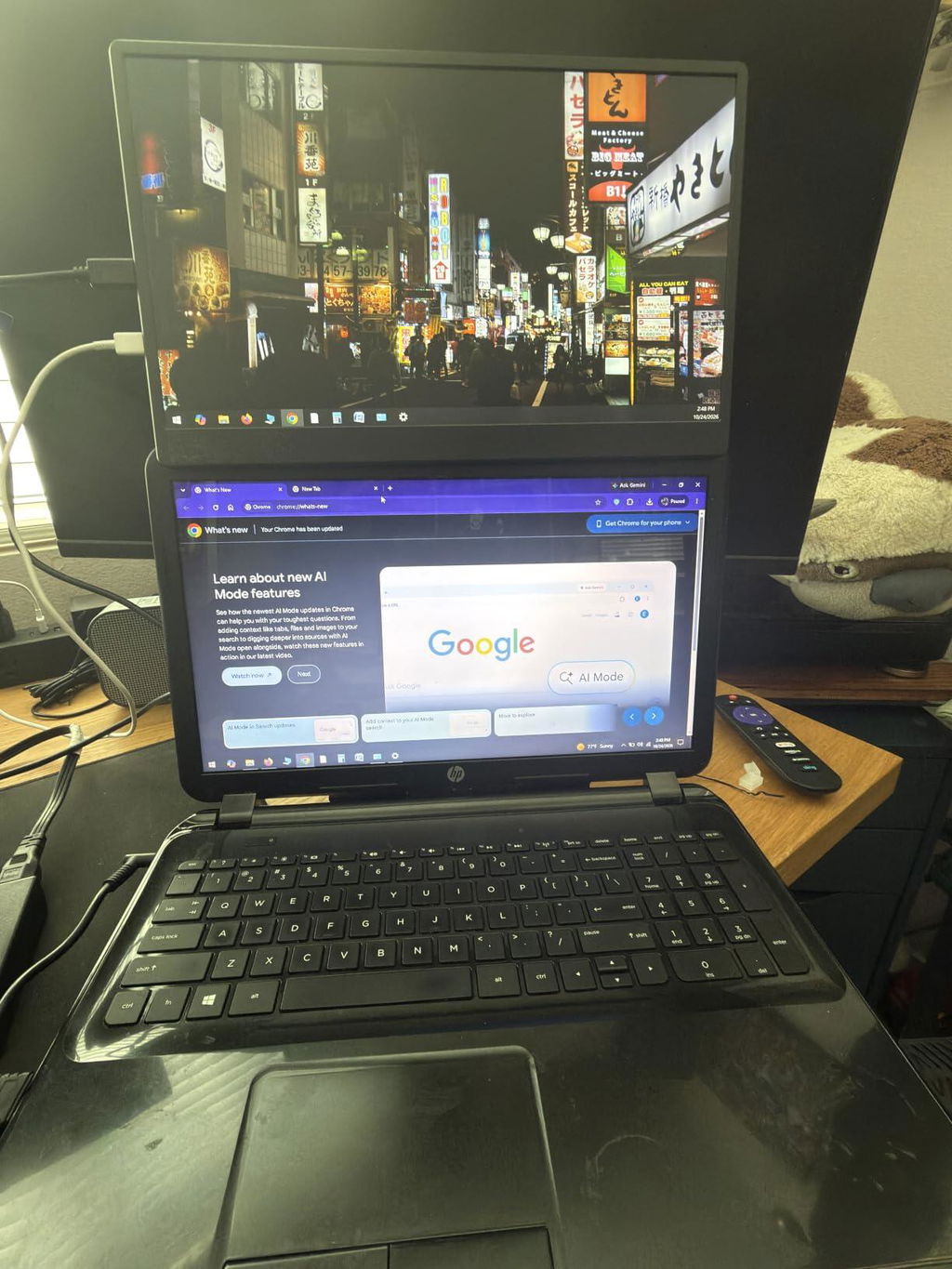
The monitor is decent but what makes it unique is the stand. The stand is what makes this external monitor great. It's much more convenient to have your external monitor above your laptop monitor instead of the side. You can rotate and use the monitor vertically. You also can use the monitor to present to an audience and it's easier to see because you can raise it vertically above the desk. It's also really nice that the stand is used as a cover to protect the external monitor screen. The only negative would be the weight of the screen and stand together. Together it weighs as much as another laptop so that's something to consider if you're traveling and need to keep things light.
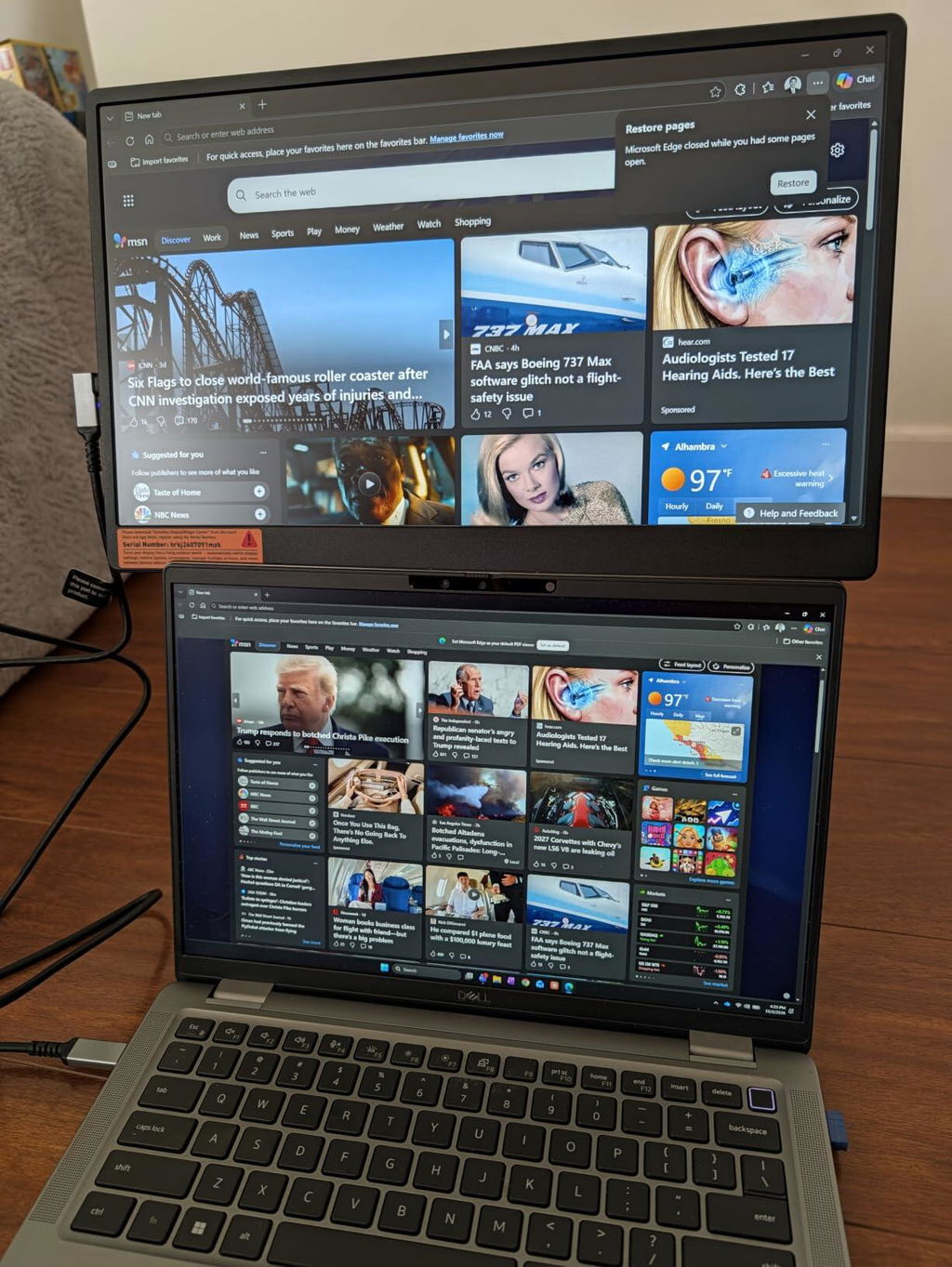
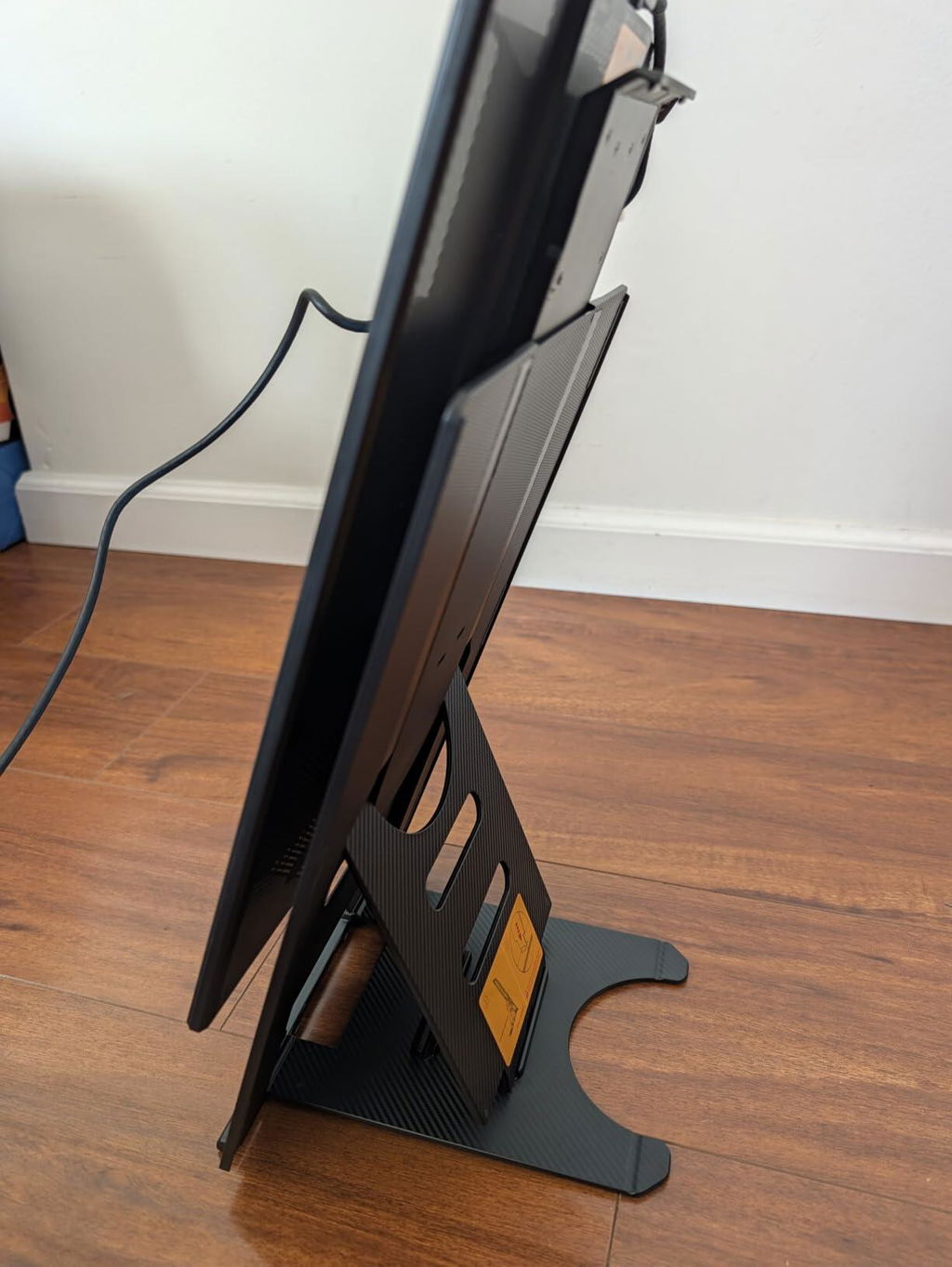
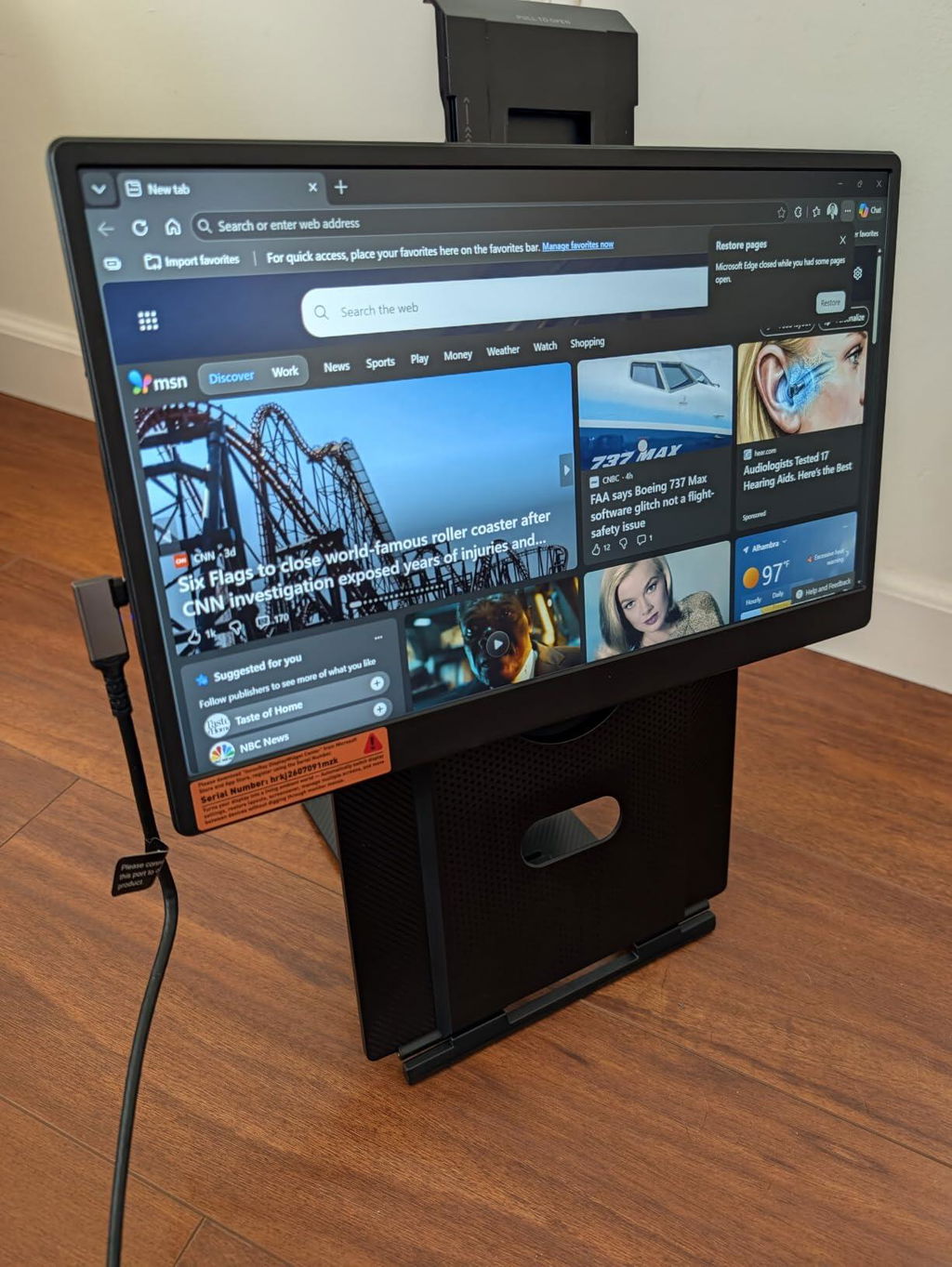
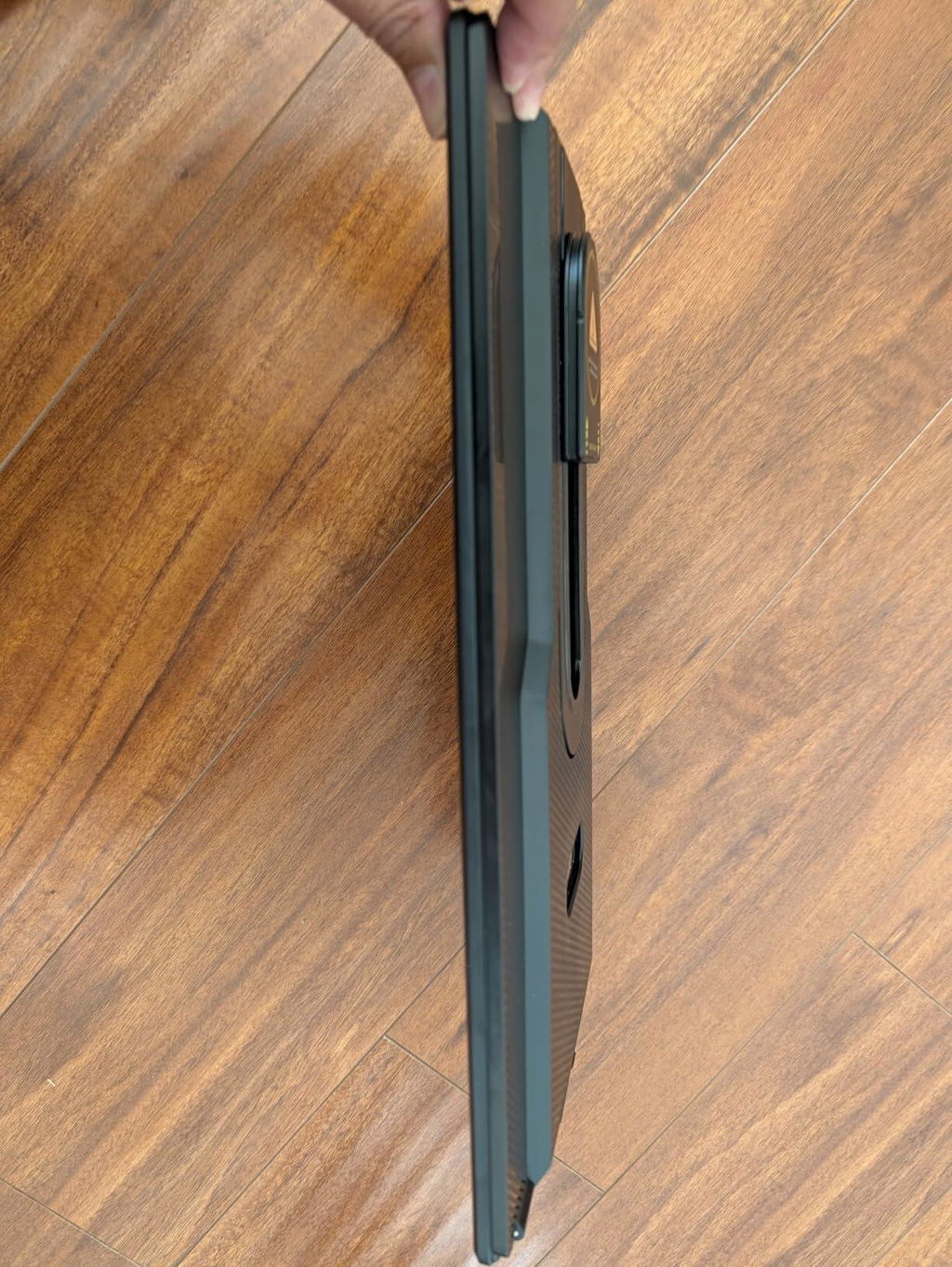
This is a 15.6 monitor screen that can worth with both mini hdmi and usb c type connection. I picked this up because I wan ted to have something to work strait with Samsung Dex desktop environment. I had no issue connecting it strait to my phone and pulling off that Dex connection as easy as it comes, plus you have to hook this into a power source so your going to need a power brick also. I found it also pretty nice just to lean up on my desk and throw Discord on it since I didn't have a dedicated monitor for it. Overall its seems really nice and the stand will let you raise it above your laptop if it also has a 15.6 screen
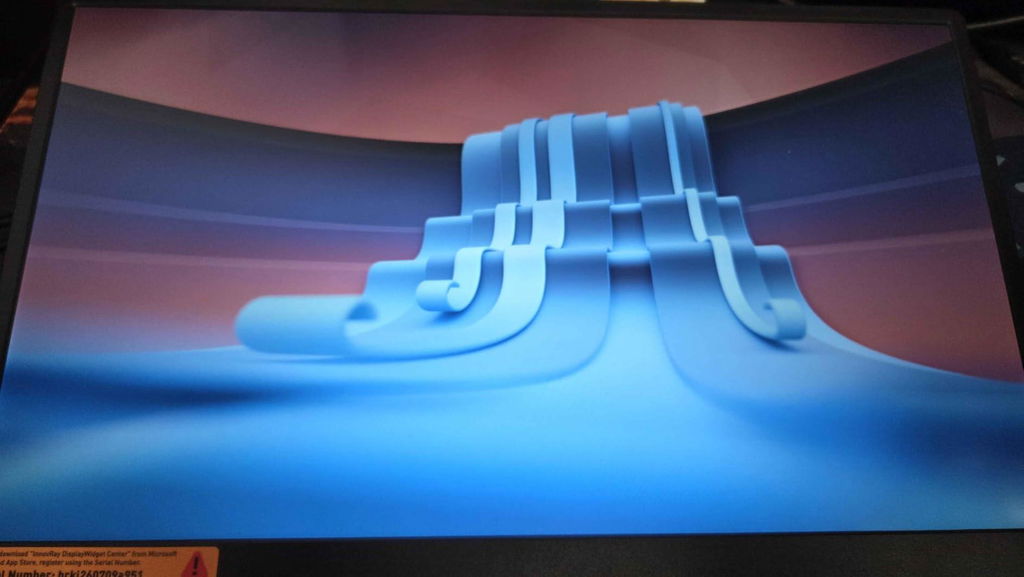
I added this as a third screen for my work laptop. This one I have dedicated to email but it is a little small for email so I’ll switch it to be dedicated to Instant Messaging. This 3rd screen allows one to be IM only, one email only and one for real work!I connected the included USB-C and the laptop recognized it immediately. I set the orientation and relative position and was done. Literally took just a minute or two.I thought it somehow attached to the back of the laptop but no, it stands on its own stand or uses a small versa mount. The included stand gives you two angles to pick from, I picked the nearly upright position.It is a little brighter than my other screens and I haven’t figured out how to tell the computer to just dim one screen. But brighter is better than dimmer! I’m sure there is a display setting somewhere that will adjust.Very happy to have this monitor, works beautifully. Absolutely recommend
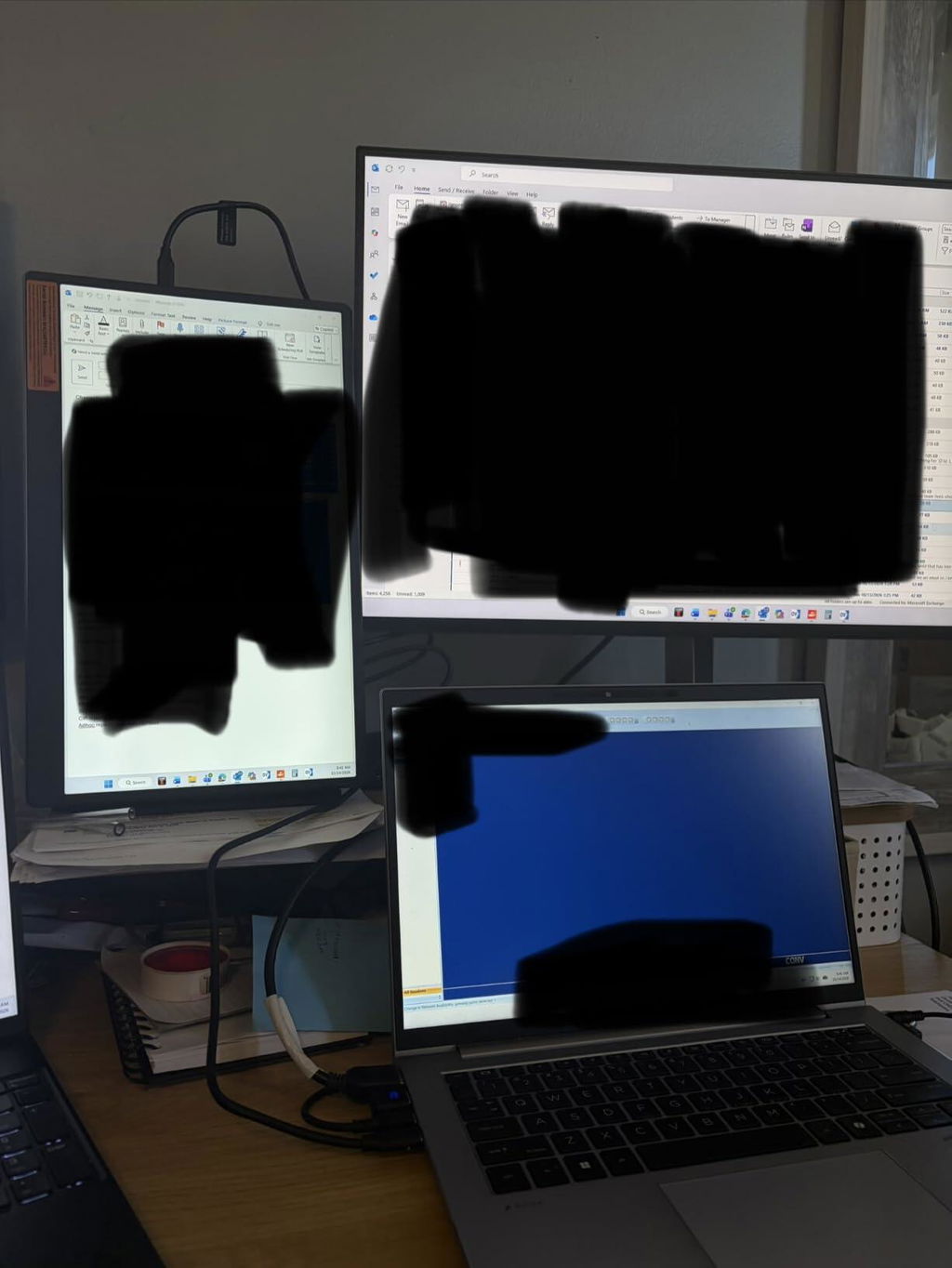
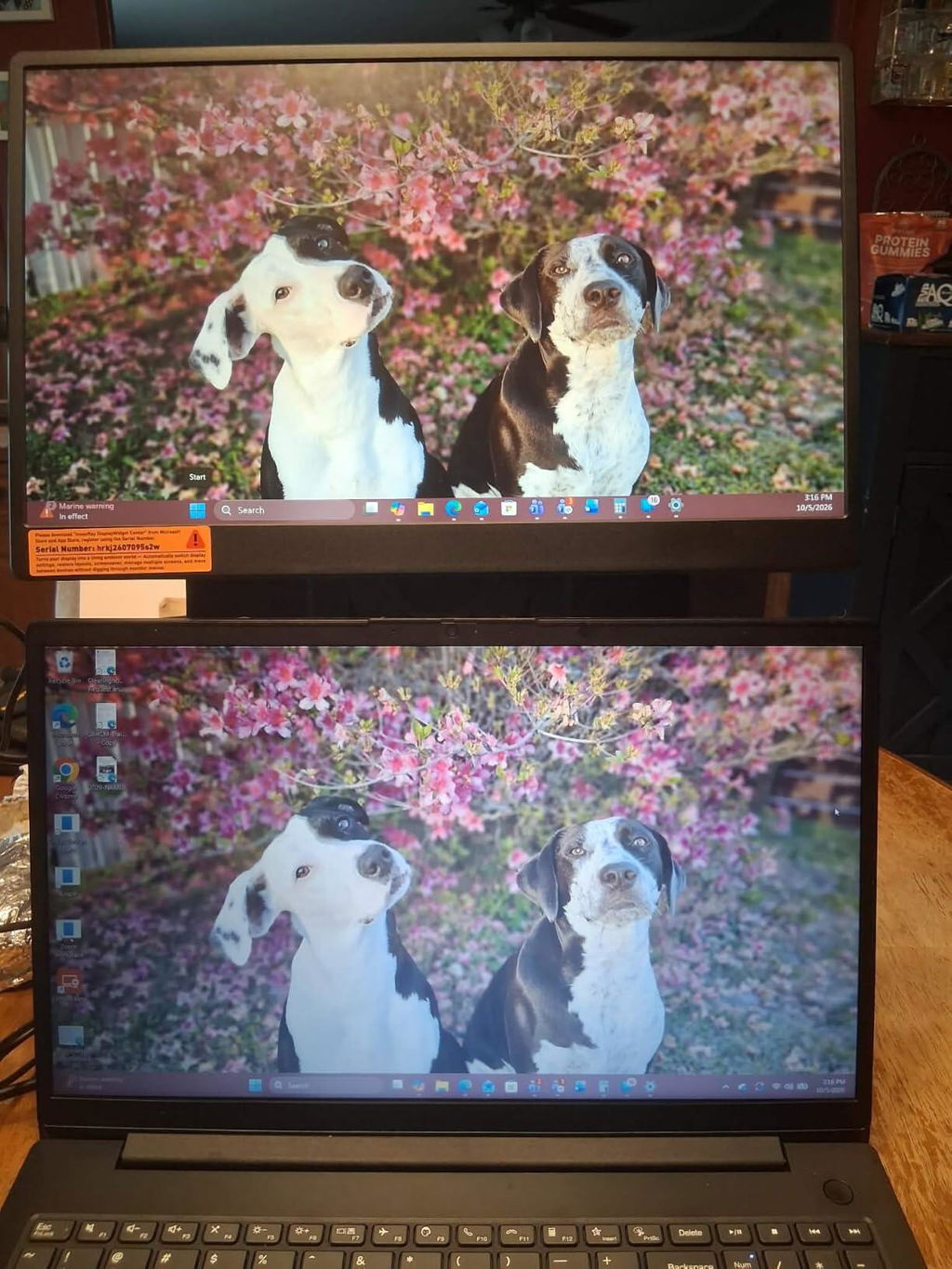
Very good quality! And easy to set up and use. It comes with a brief manual (which we read) yet is completely straightforward to connect. Plugged into a Windows machine via USB-C . . Display image came up right away; we were immediately in business. Made minor adjustments to the zoom settings to set to our preferred visual and went to town.Using this on a laptop, we like how the monitor’s (screen extender’s) stand can be set to make the display appear directly above or next to the primary display. On this particular machine, we tested with a second display already installed. This display seamlessly added itself as another additional, and we had usable visuals on all three. Windows-native. Quite nice!The audio quality is “okay” . . is about as reasonable as one would expect for a small, monitor-integrated speaker. Bonus that there is a volume control on the side of this monitor.Included is a sticker suggesting to install Microsoft’s InnovRay DisplayWidget Center, which offers extra features for managing video brightness, contrast, screen modes and such, though this display is also fine (was fine for us) straight out of the box..:.Easy to use, collapses down easily for packing and transport, works natively with the operating system, clean colors and resolution, runs at 1920x1080 which is fine, includes connection cables, and offers an integrated speaker. Very good product.
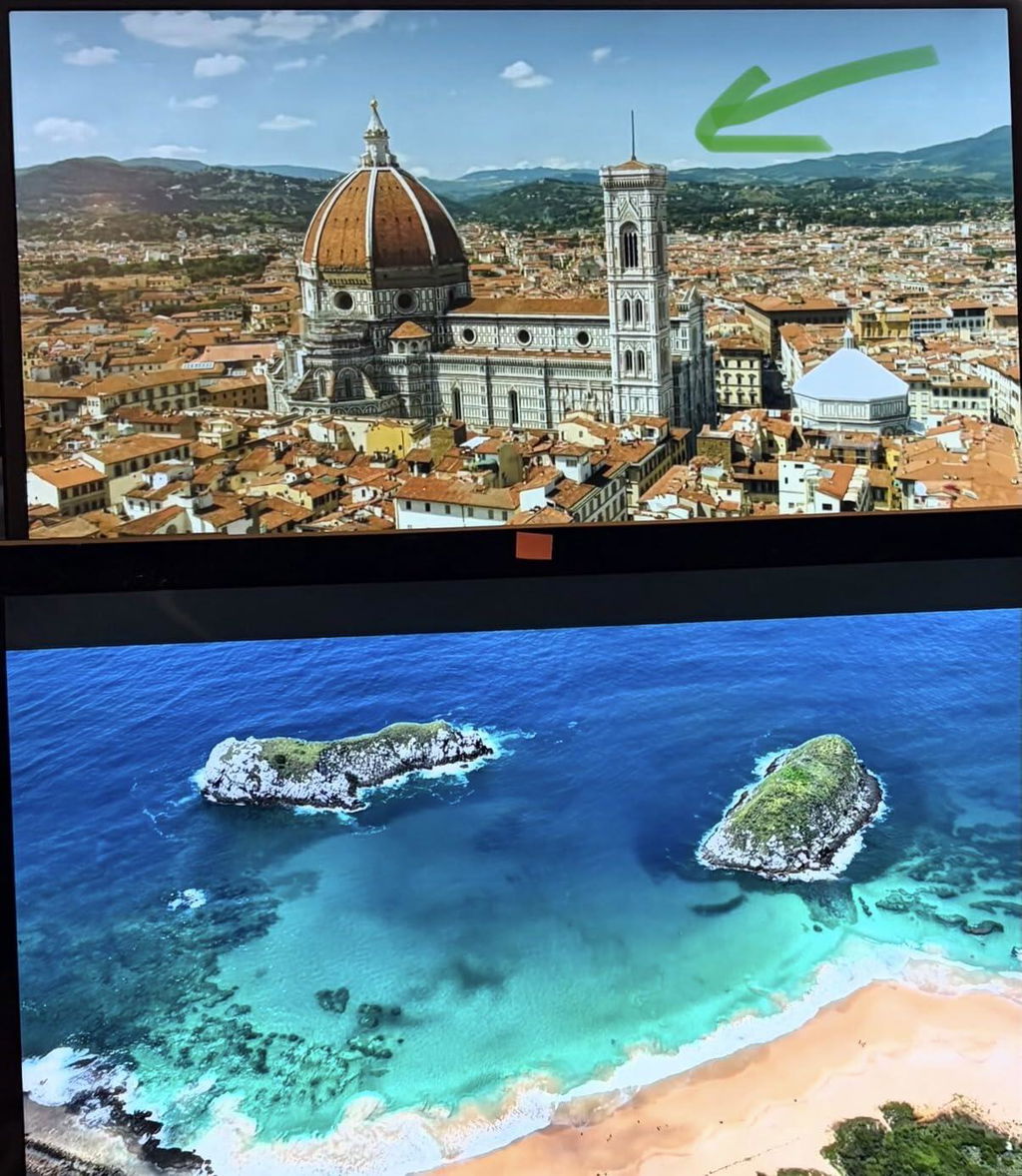
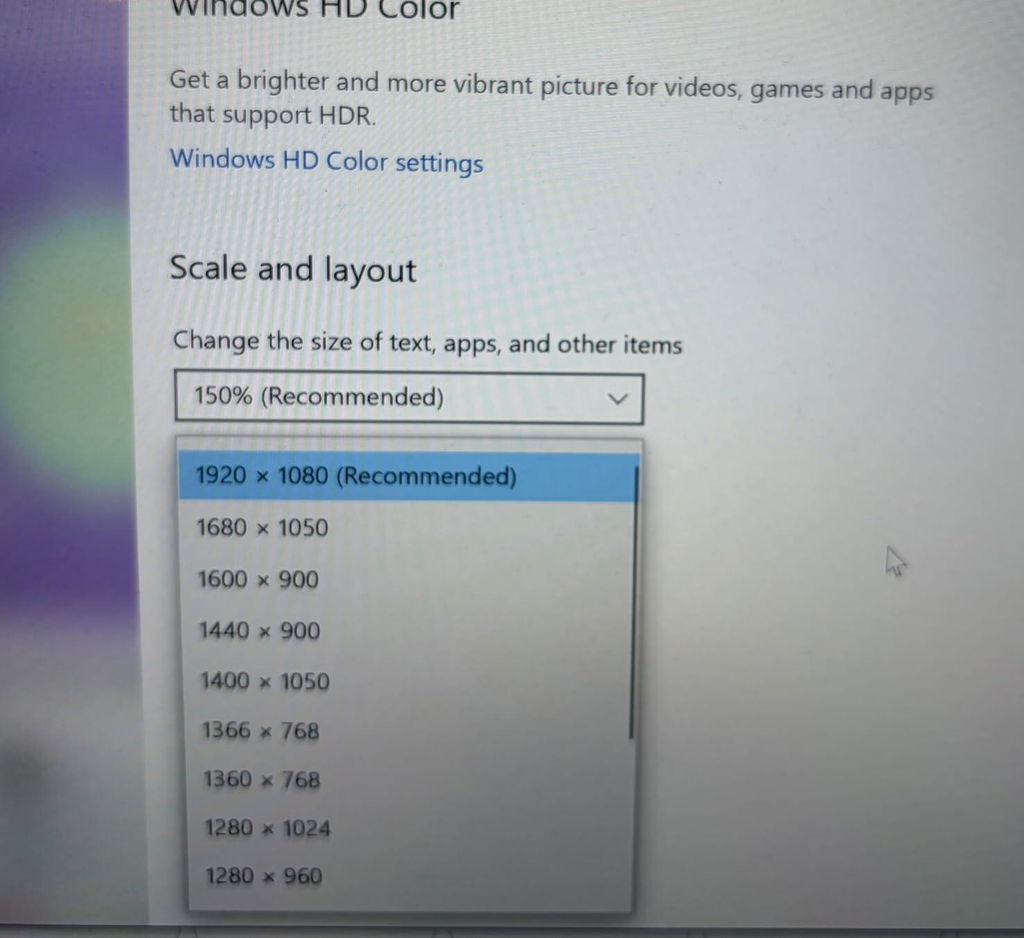
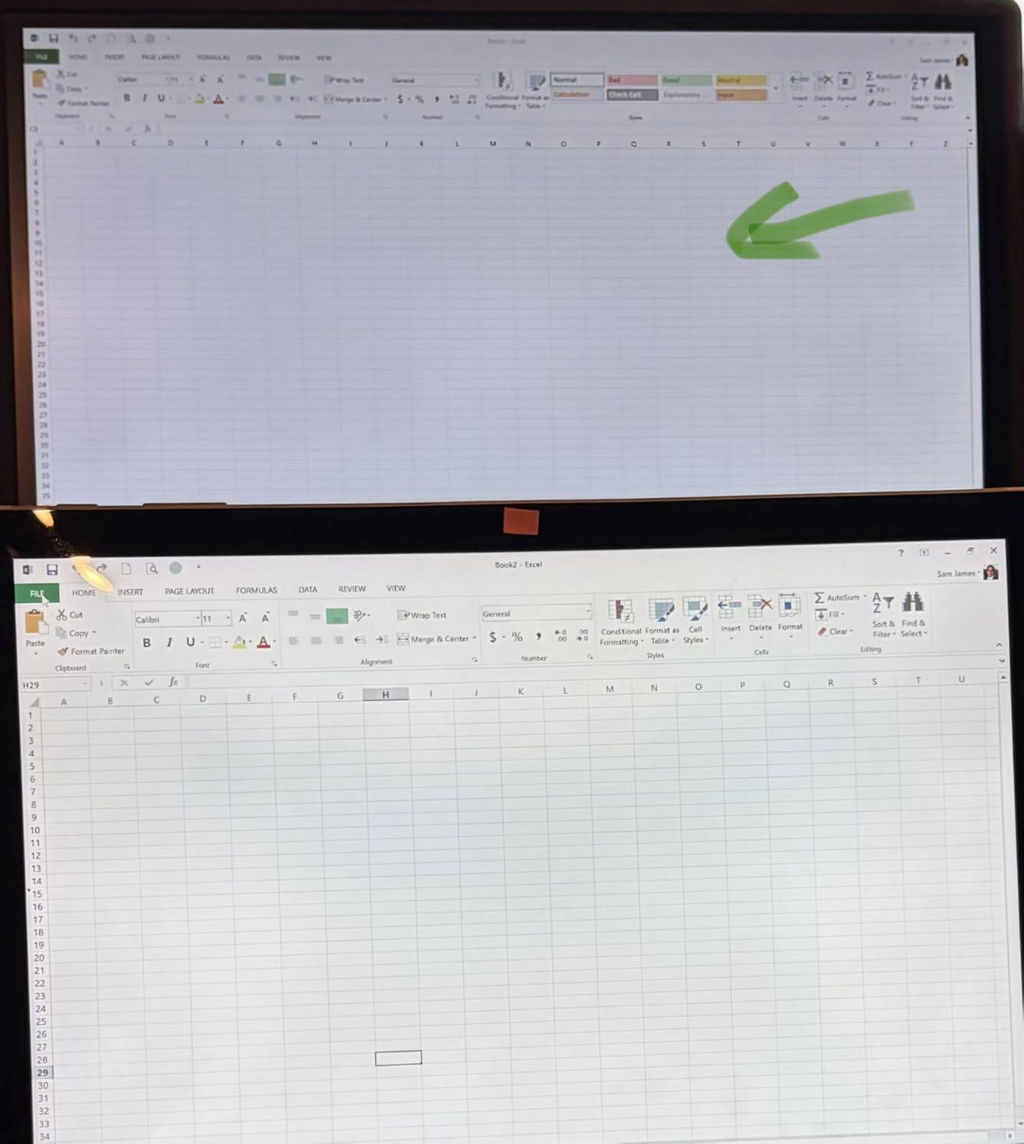
This is a super great little monitor extension for your laptop. The display is bright, and even though the stand is pretty simple, it's easy to adjust to where you want it. It's also just one USB-C cable between the monitor and your laptop, which keeps the whole setup clean.It just worked out of the box with my Mac, zero issues. I also like that the stand is a protective case for the monitor itself, so the screen stays covered when it's packed up and will not end up scratched. It is pretty light weight even with the stand / shell so not heavy when in the backpack. It can connect using usb-C but does also have a micro HDMI port.All of that makes it perfect for taking to a cafe or to a client. The price was reasonable for the quality of the monitor, too. Easy five stars.
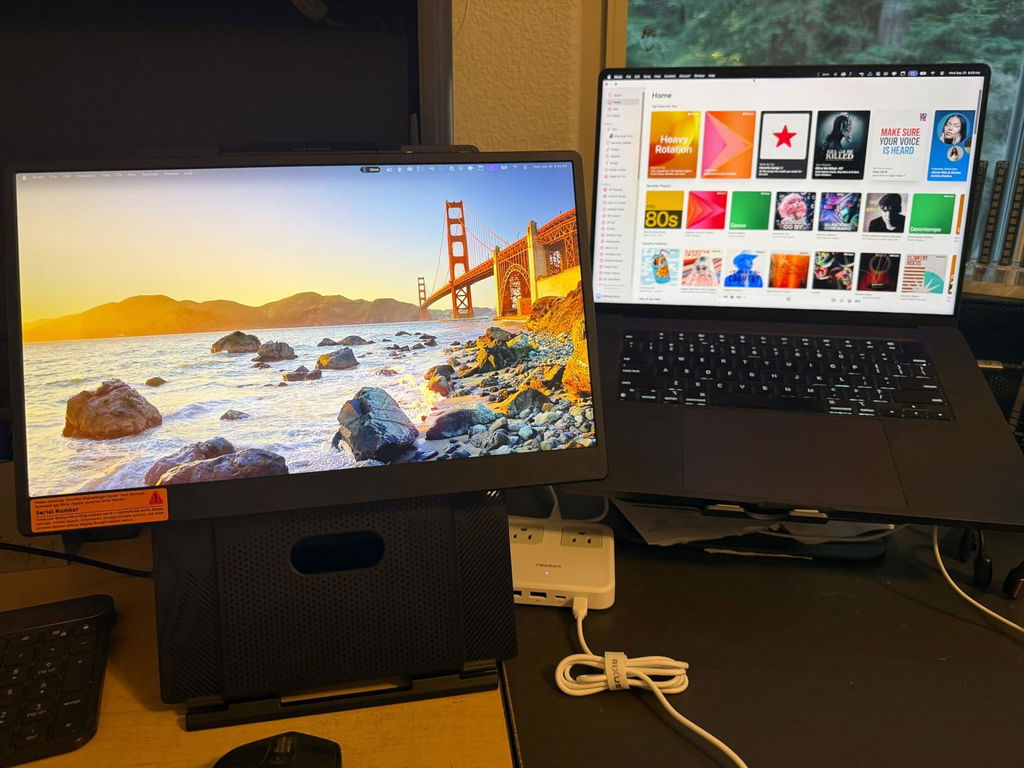
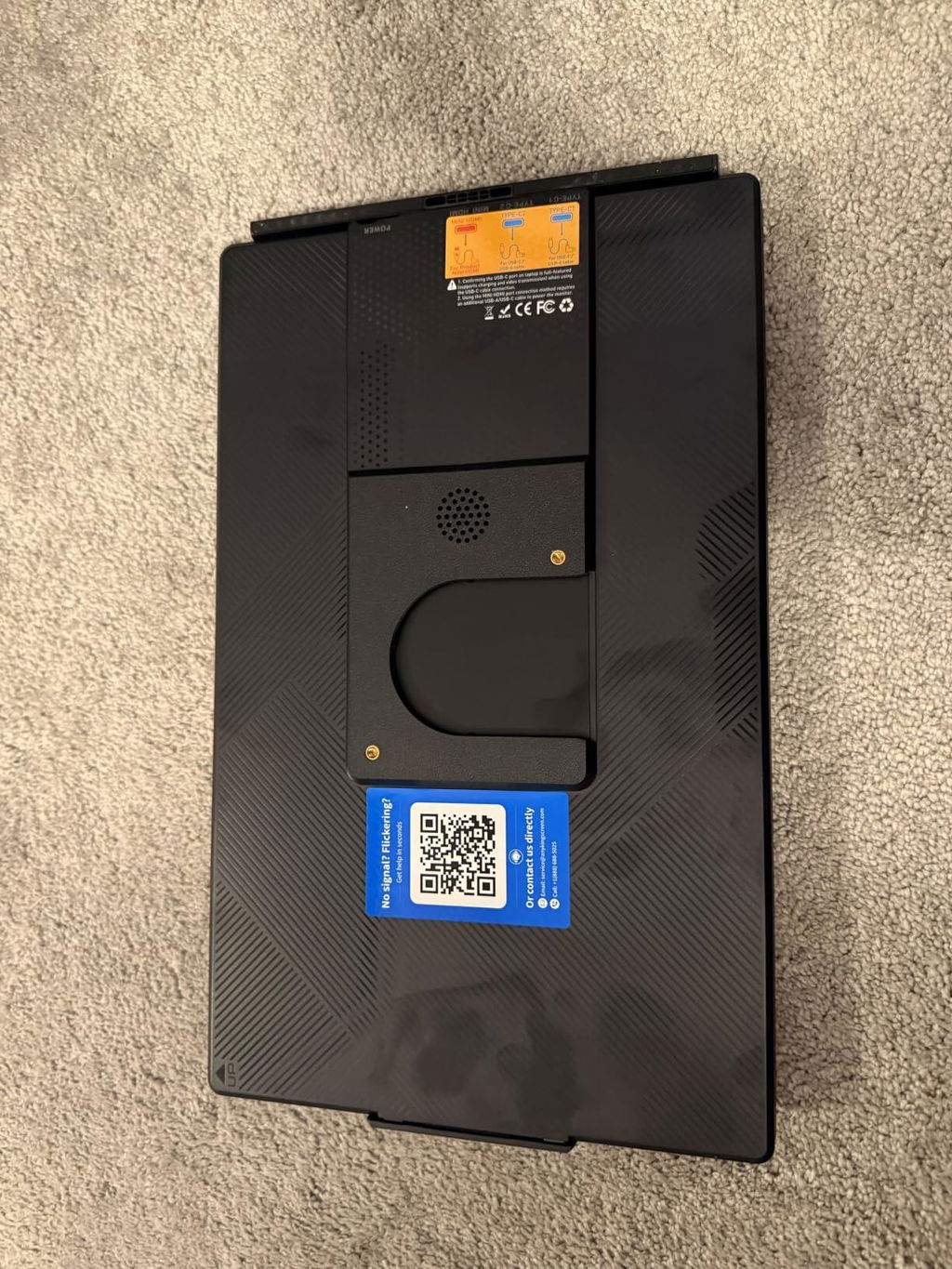
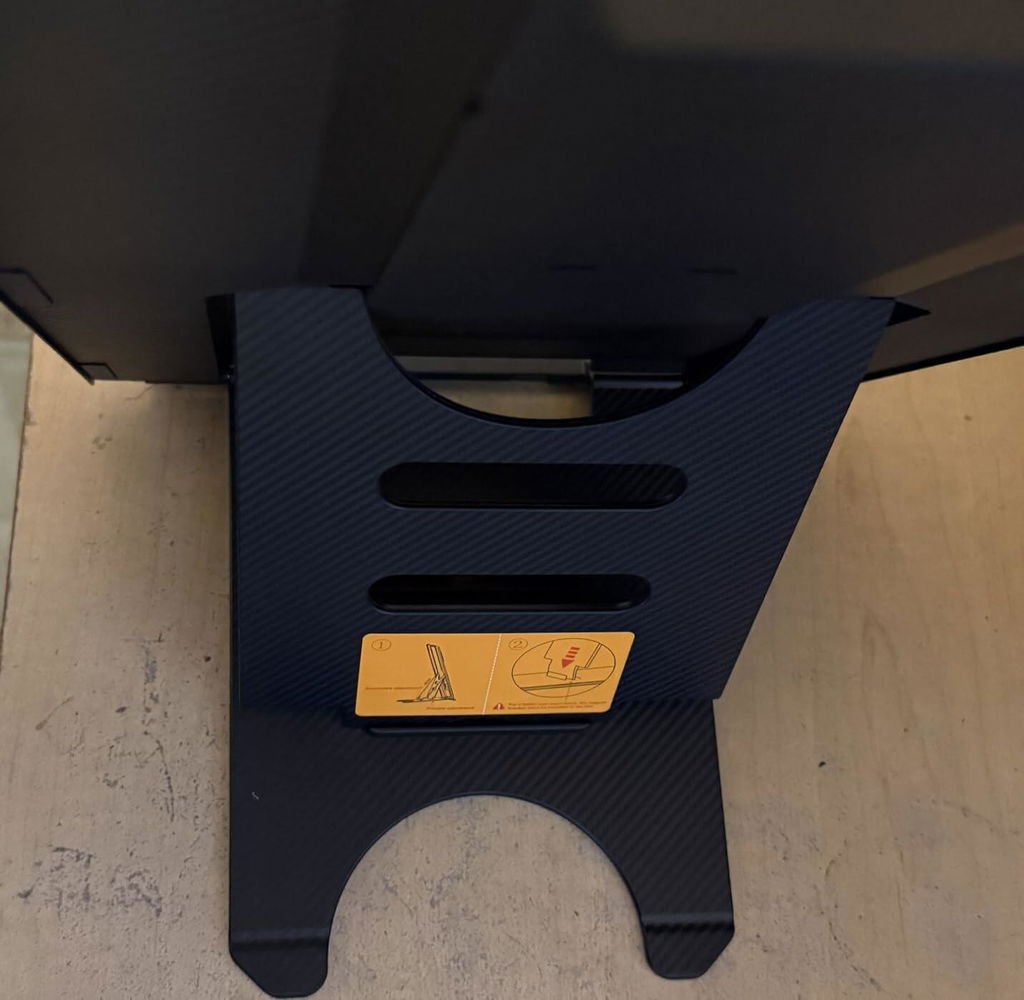
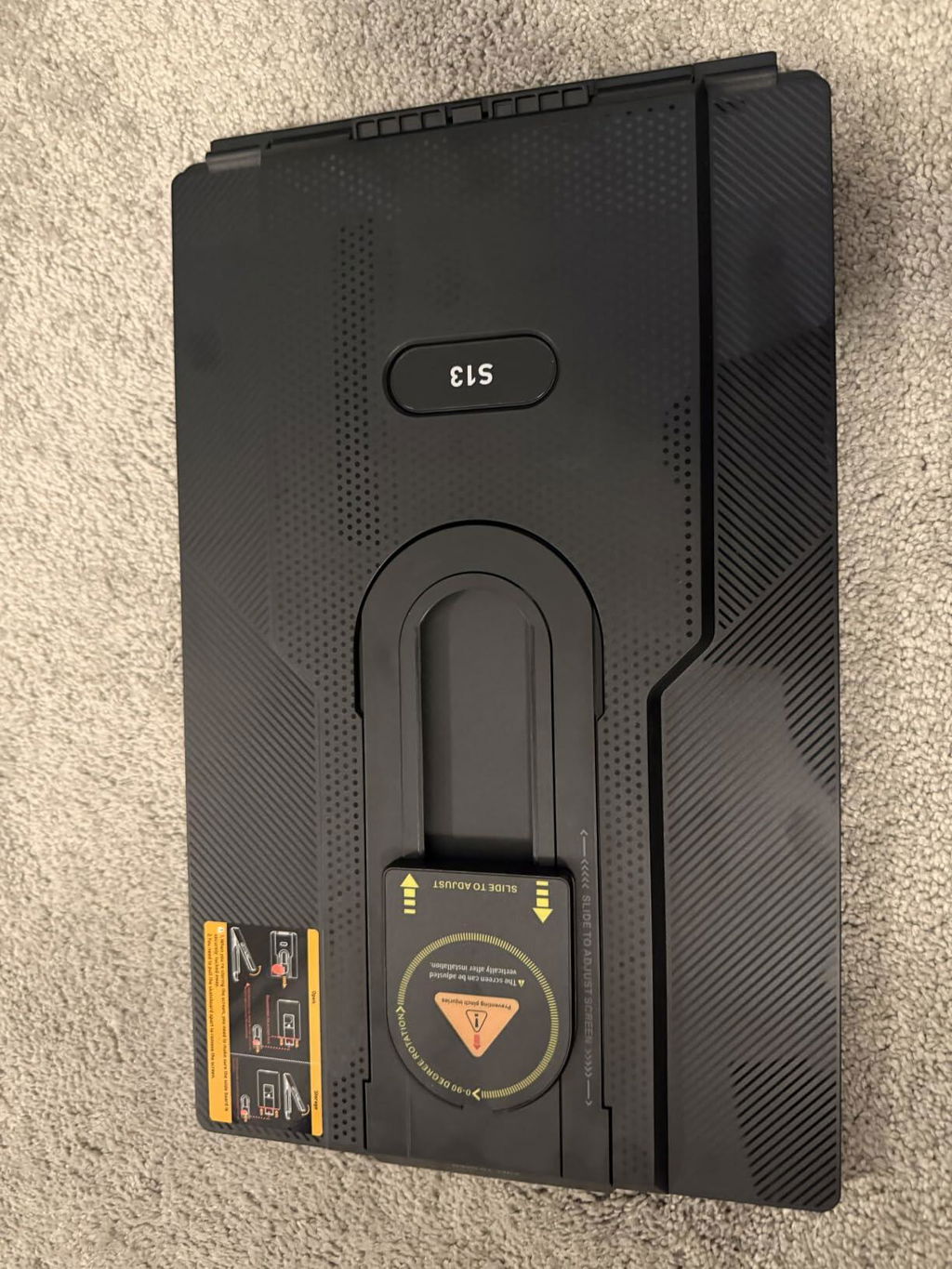
This screen extender is working perfectly. I love that I can extend it over the top of my laptop.It connects automatically with my MacBook air through the USB C port using the included cable. There's other cables included if you need to hook it up differently.Portable if you want, it snaps into the stand and keeps it protected.The stand is able to hold it in landscape or portrait modes.Lightweight, it actually fits in my laptop bag with my laptop.Well made, it has different angles to set it at and all are sturdy. It doesn't tip over.Great design. I love it!This is definitely worth it!
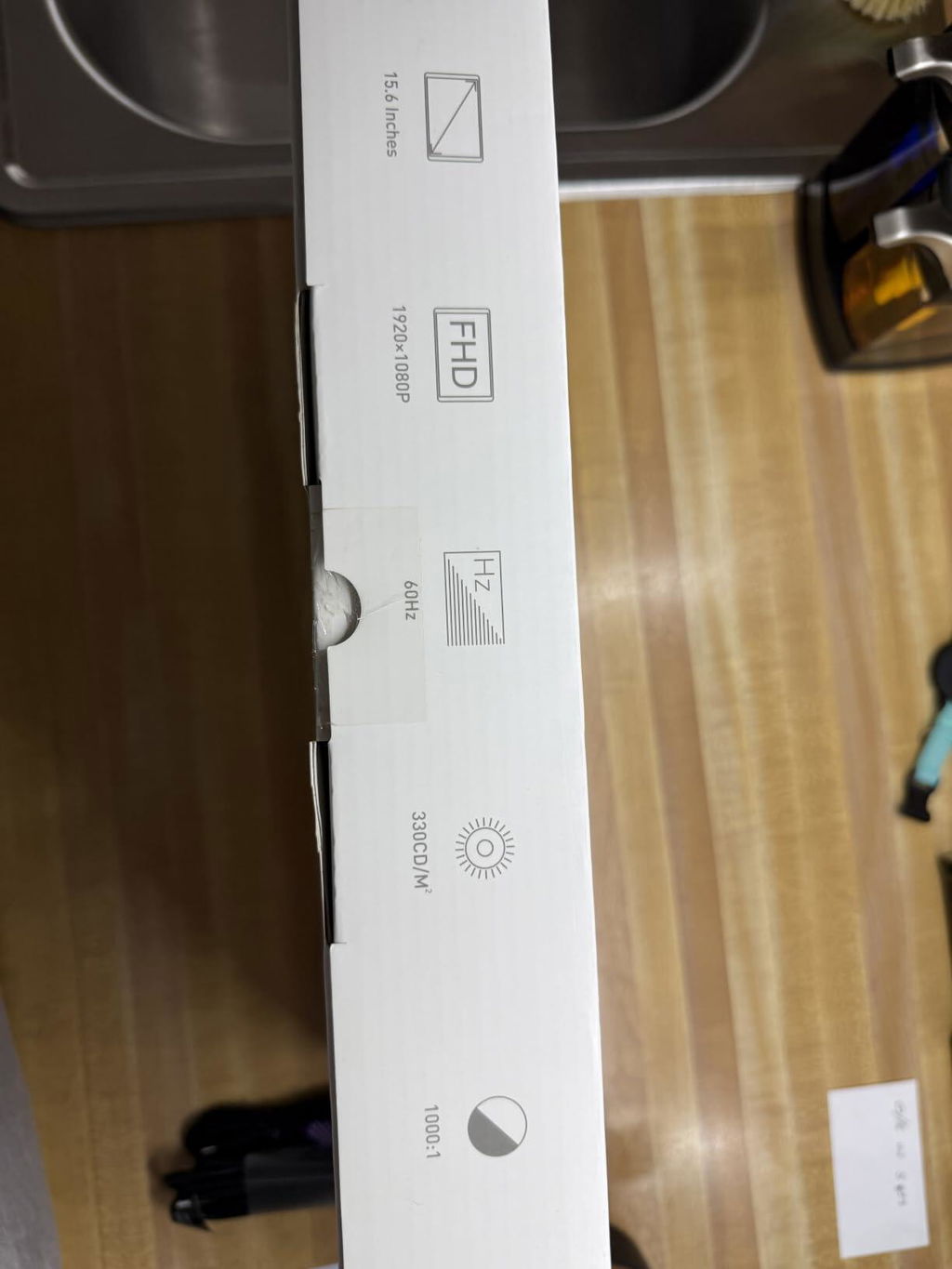
This laptop screen extender is a great way to keep multiple windows open at once. The stand makes it portable and you can adjust the angle and height. Definitely better than going back and forth between tabs. It works with most devices and is easy to connect. Great asset for work or home. This is going fit and be compatible with most standard laptops. But double-check the measurements before buying to make sure yours fit. This feels very durable, so I'm using it out in my workshop, where I can't bring a bunch of screens.
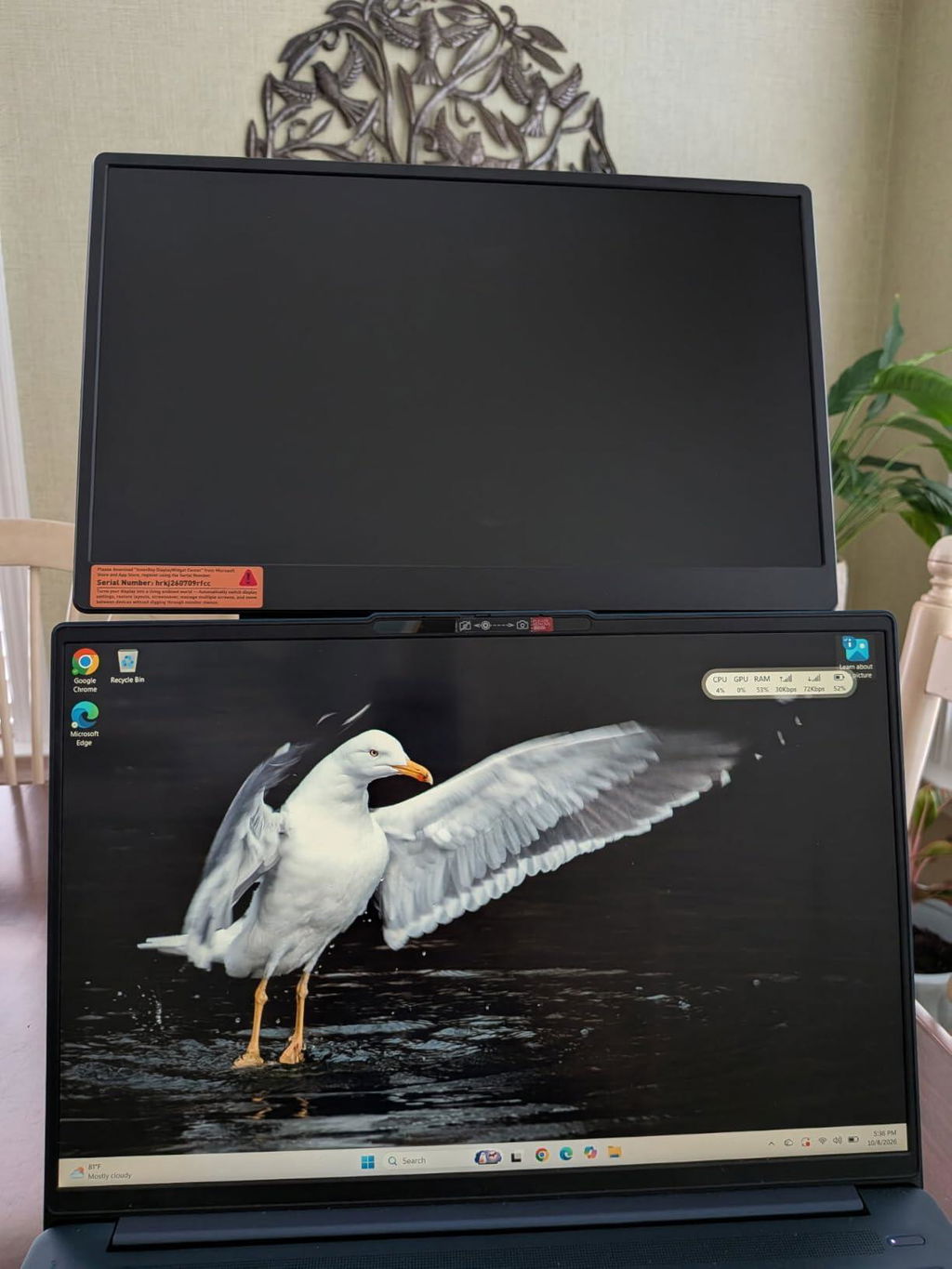
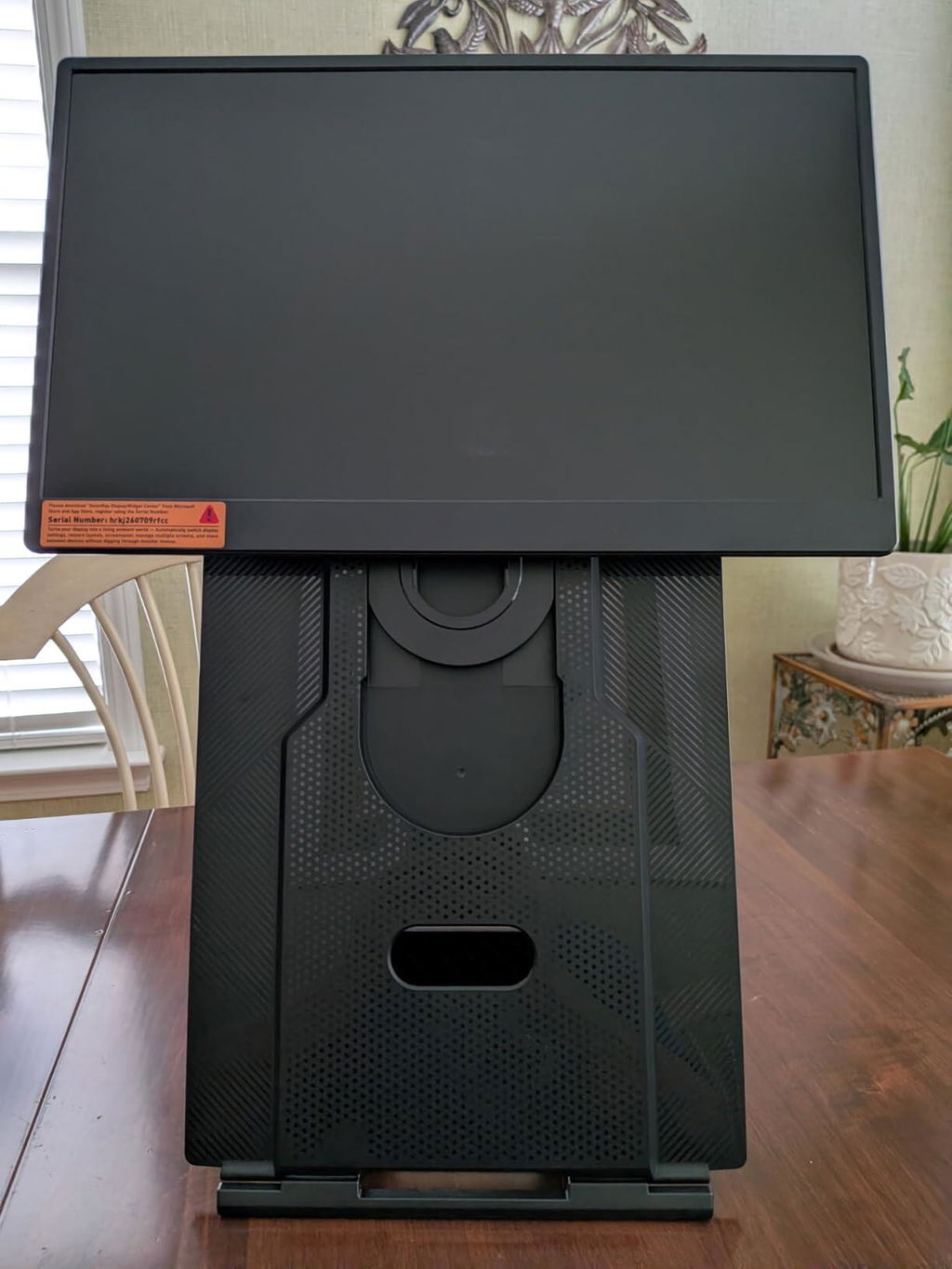
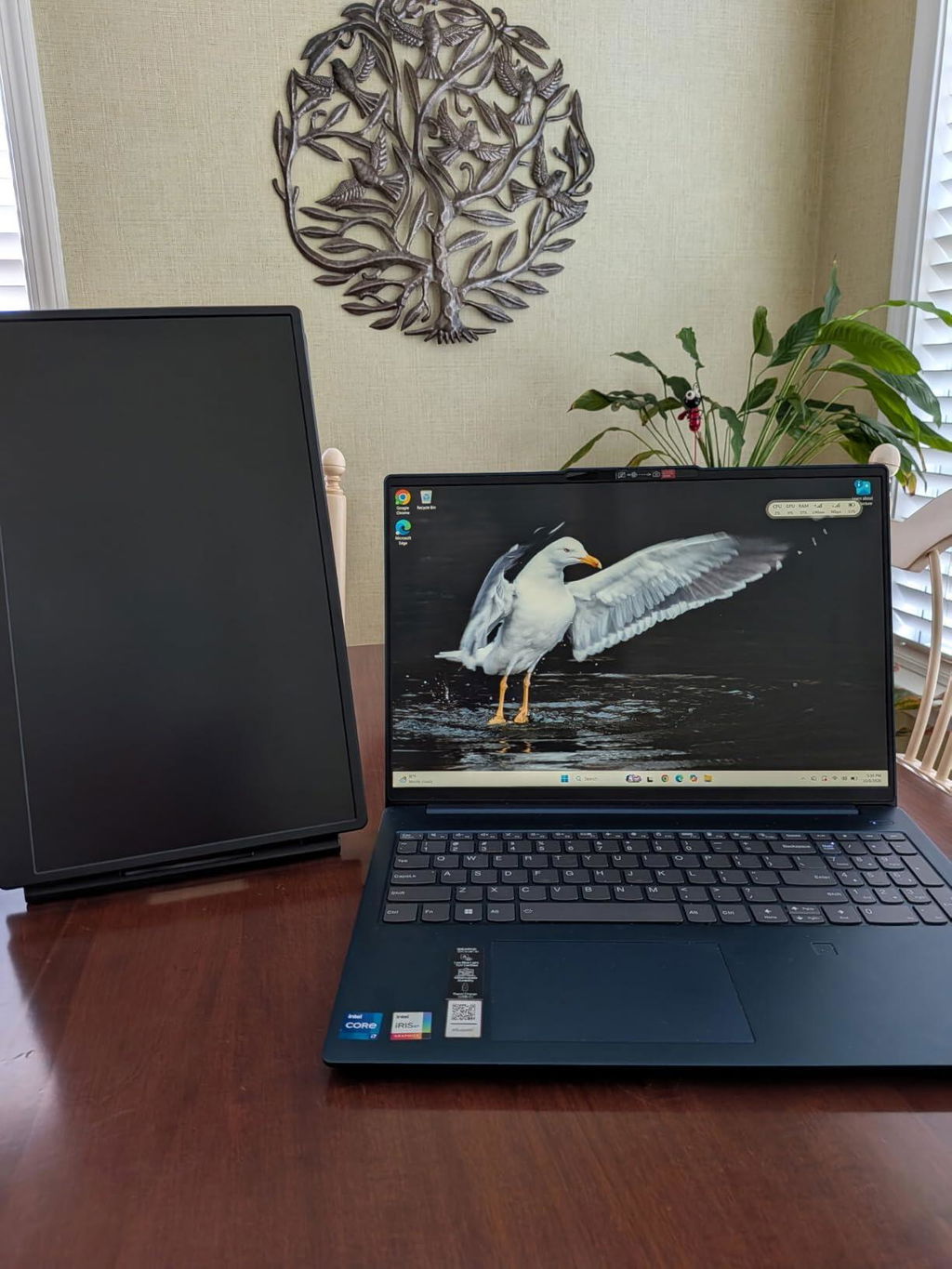
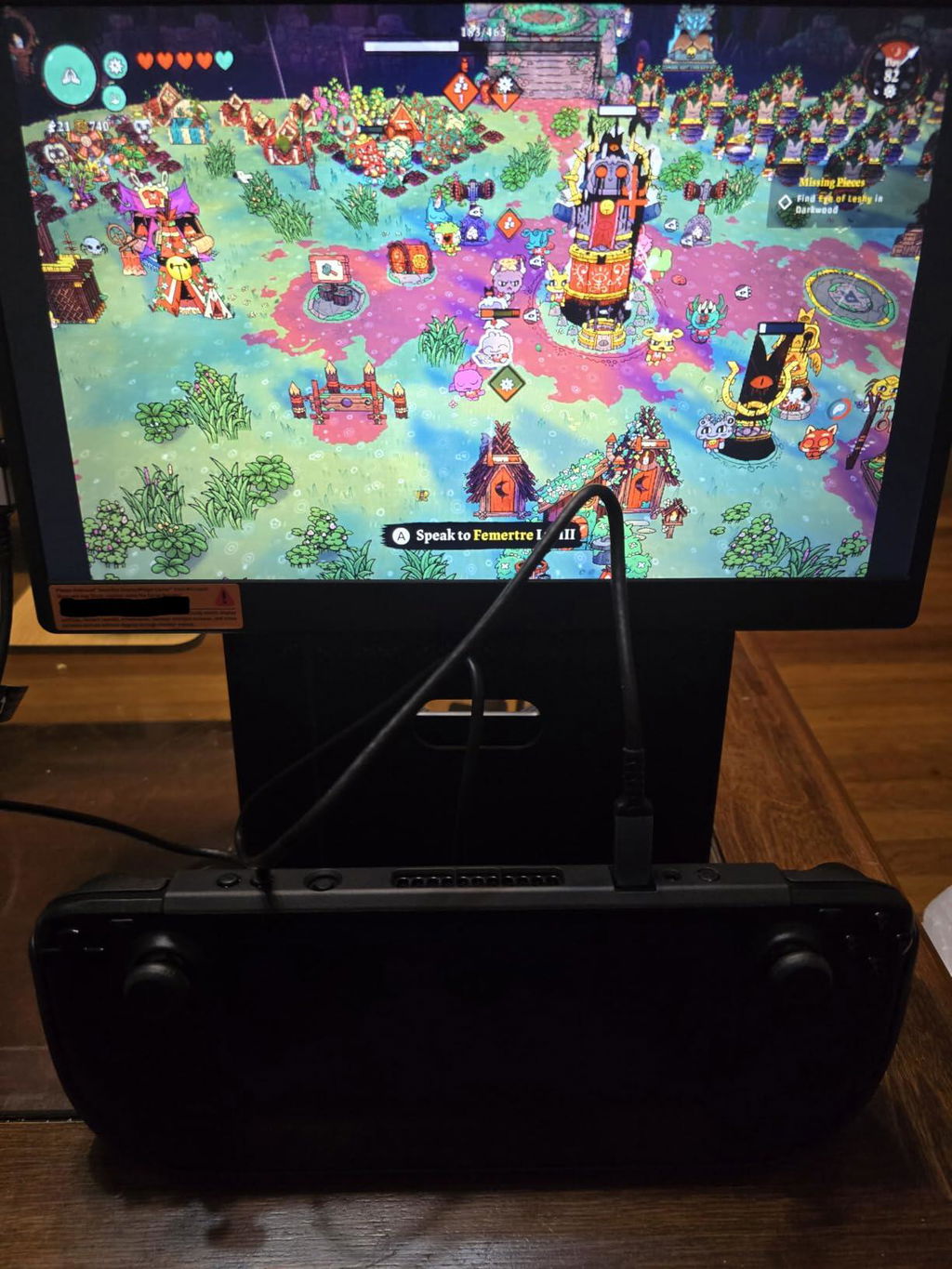
This is advertised as a laptop screen extender but personally this is a portable monitor with a great stand.The design of this portable monitor features a collapsible stand that not hold holds up the monitor; also acts as the case holding the monitor when not in use. The monitor can be detached from the stand and then mounted onto the swivel mount. This lets you rotate the screen to be vertical and the stand can be moved up and down to your desired height. On the back of the monitor are some holes for VESA mounting in the event you're looking for a more permanent mount. The connectivity is standard with a mini hdmi port, usb c port for power, and another USB c port that has video capability. On the side is a knob for adjusting monitor settings.The screen and image quality are also excellent. The screen gets quite bright and colors are vibrant and images are sharp on the display. As you can see from my picture I have this setup on my Steam Deck with only a single cable.
Pros:* Lightweight, sturdy, and well-built* Single USB-C connection makes setup effortless* Sharp, bright 15.6-inch Full HD display* Easily rotates between landscape and portrait modes* Excellent productivity boosterConsider:* Single-cable operation requires a compatible USB-C port* Adds some width to your workspace. The extender’s stand must sit either to the side of your laptop or behind it. Think if there’s space for it to be located where you need it.Years ago, I became accustomed to working with two monitors. When I transitioned to remote work, I reduced my setup to a single laptop screen, and I’ve felt the loss of productivity ever since. Constantly switching between windows and documents really does slow you down.This screen extender has finally given me back the workspace I’ve been missing! It’s lightweight, remarkably solid, and requires just one USB-C connection. Setup couldn’t be simpler.The display is bright and sharp, but what really impressed me is how easily I can rotate it into portrait orientation. I’ve used dual monitors for years but never had that flexibility. It’s fantastic for reading long documents and webpages.I’m finally back to working at full speed, with more flexibility than I’ve ever had. An excellent, well-designed product that genuinely improves my workday!
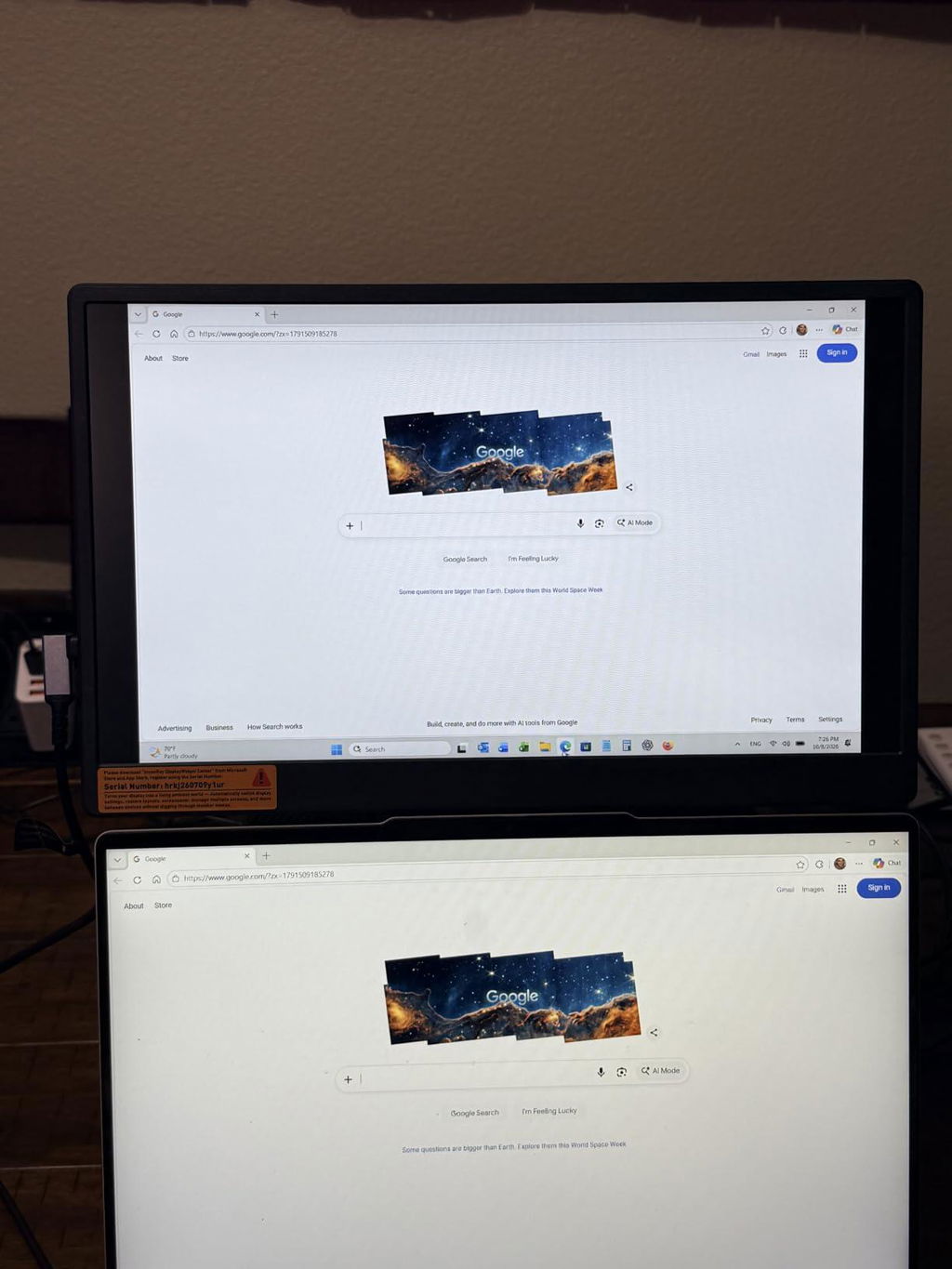
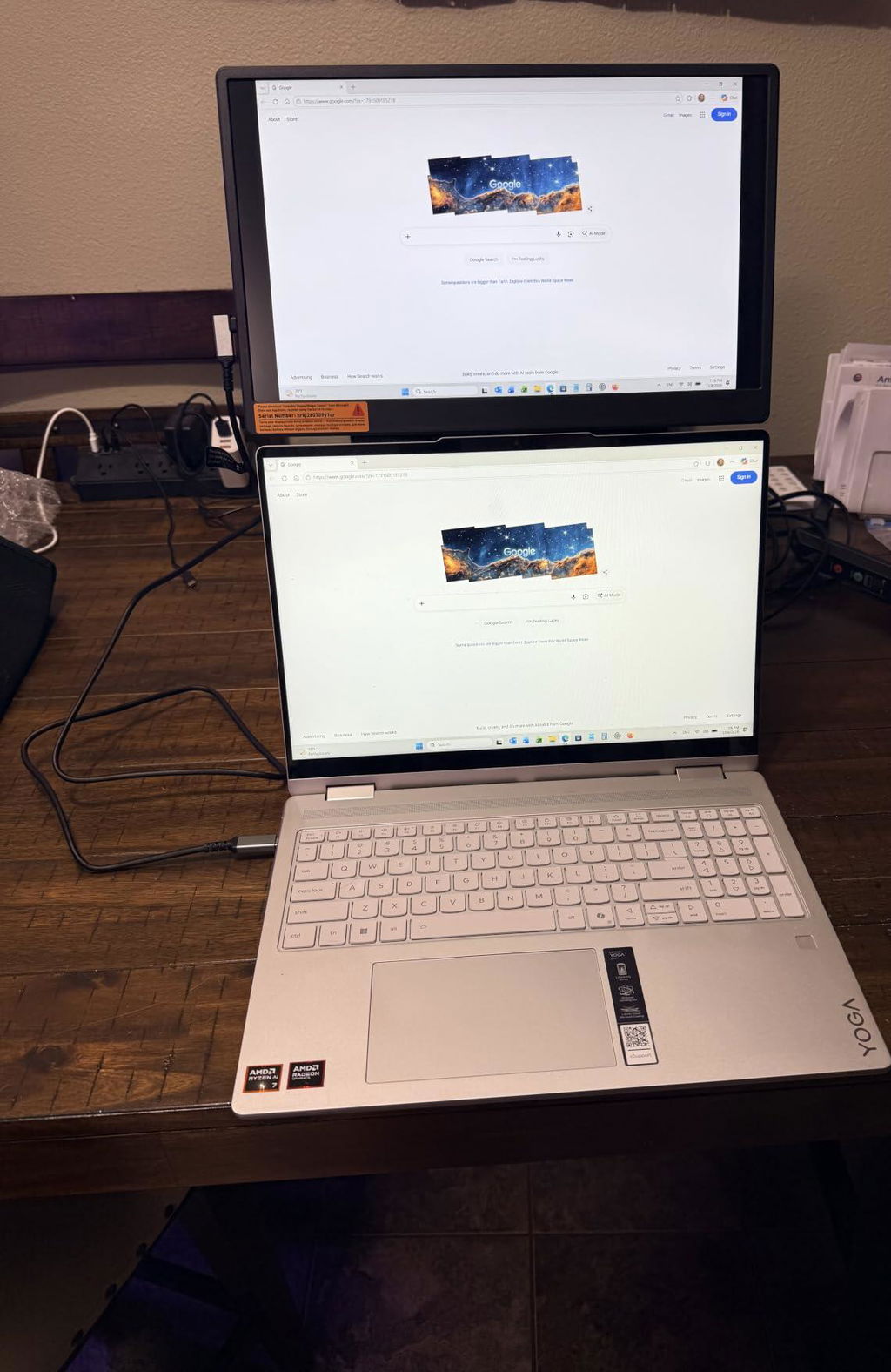
It's a good looking a great size monitor. It is a little slower as it has a lower Htz than our laptop, but it's great to have as a side monitor and leave our music screen or any other things you want idle on it. It does help make work faster to have additional screen. The stand is great, very durable as well as magnetic. Very easy to use and install. There is instructions how to do it. It's packaged really well and it comes with the wires you would need to charge and attach to your laptop. We tried to attach with the phone but it didn't work for us.
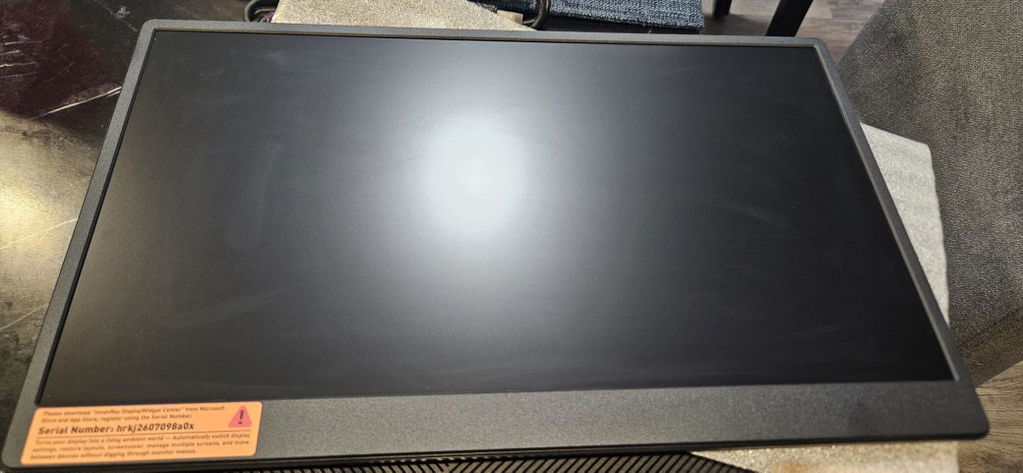
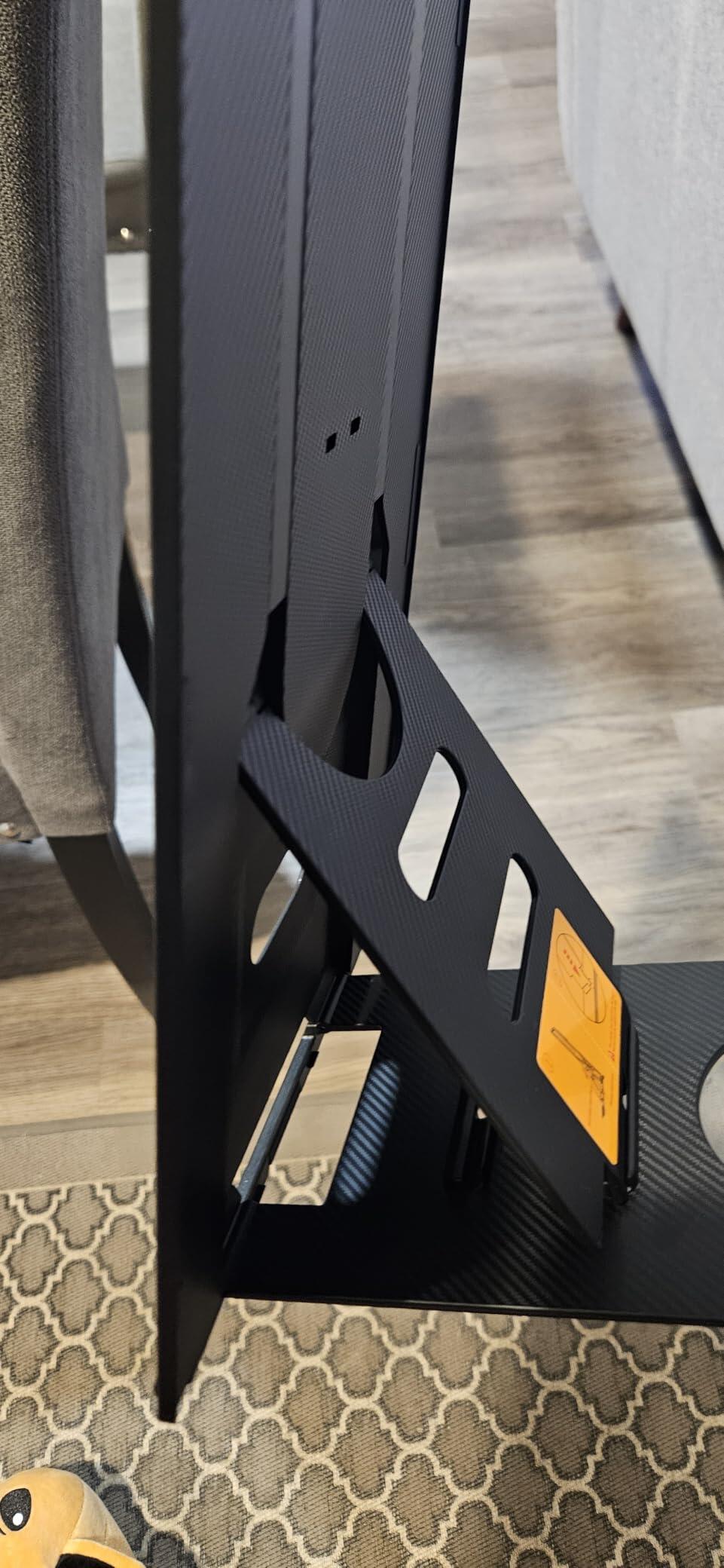
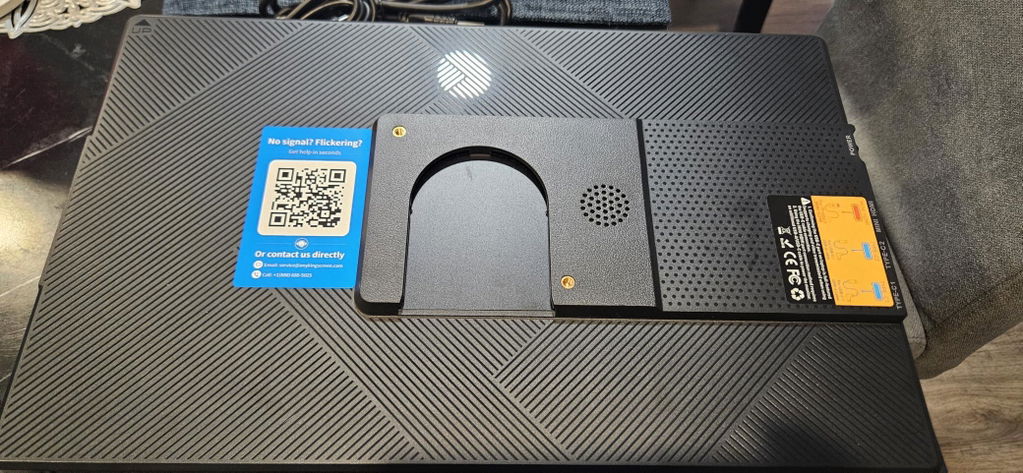
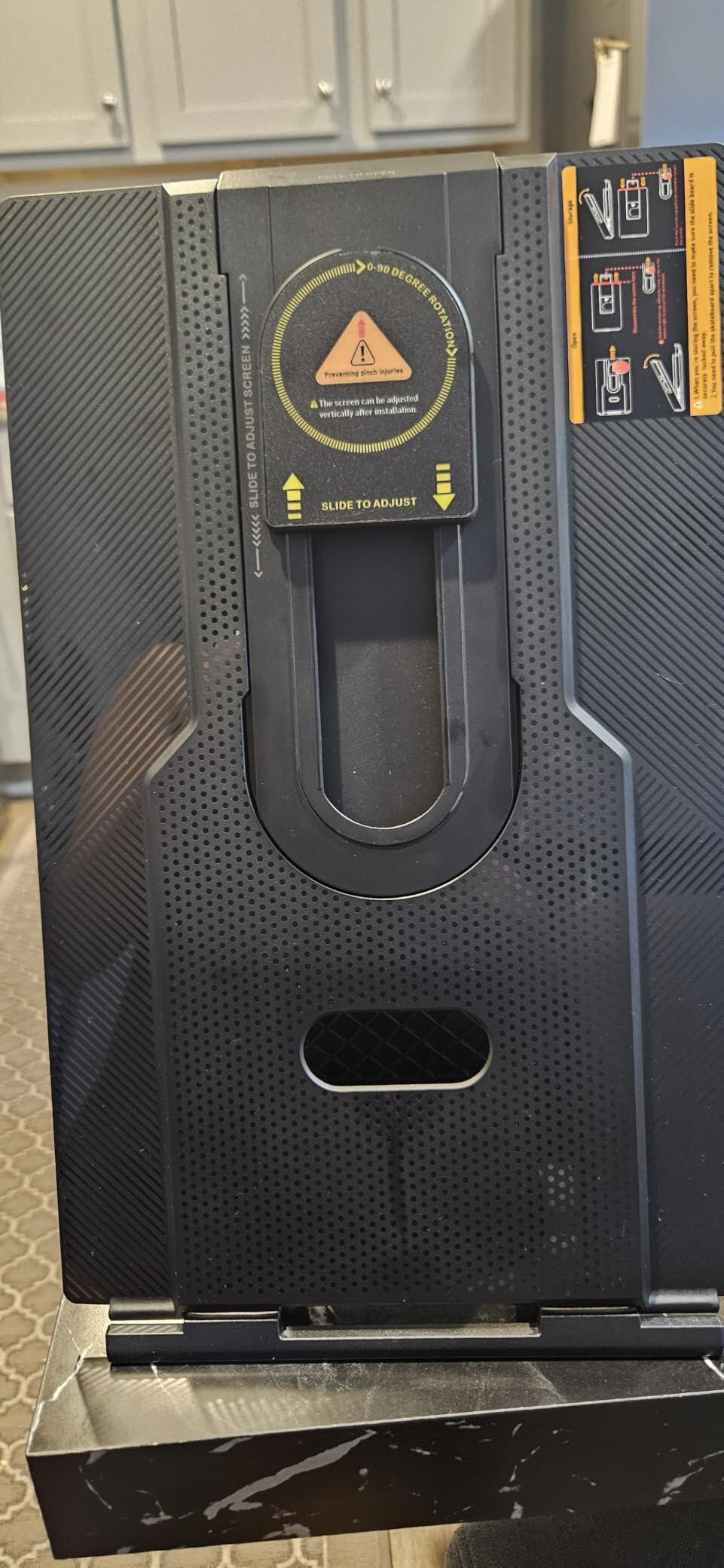
I am honestly blown away by how good this portable monitor is.The display is full HD 1080p, gets plenty bright, and has surprisingly good color and viewing angles. I expected something usable given the portable form factor, but the actual screen quality is good enough that I would have no hesitation using this regularly as a second display for work or travel.One of my favorite features is the single-cable USB-C connection for both video and power. I tested it with a MacBook Air and it worked perfectly. I also connected it to my iPhone and was pleasantly surprised to see that work just as well. Being able to add a good-sized external display without carrying around a pile of adapters and cables is a major part of the appeal.The stand takes a minute to understand because it is not immediately obvious how everything is intended to move and support the display. Once it clicks, though, it is actually a clever part of the design. It can be positioned in several different ways and makes the monitor much more versatile than a simple fixed kickstand.Between the screen quality, portability, flexible stand, and single-cable operation, this is one of those products that exceeded my expectations almost immediately. I can see myself using this frequently with a laptop, phone, or any situation where I want additional screen space without carrying a conventional monitor. Also the packaging was outstanding.
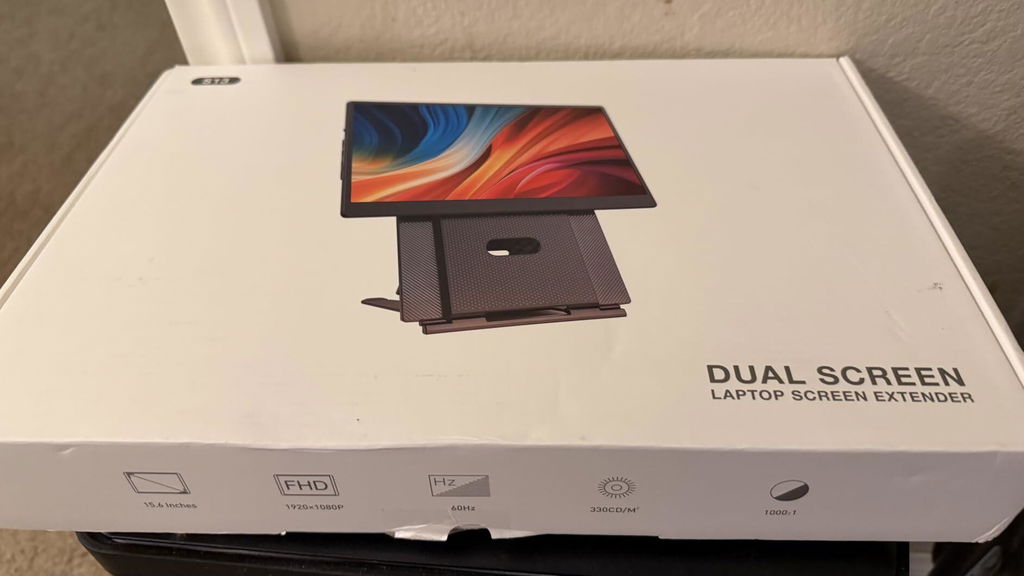
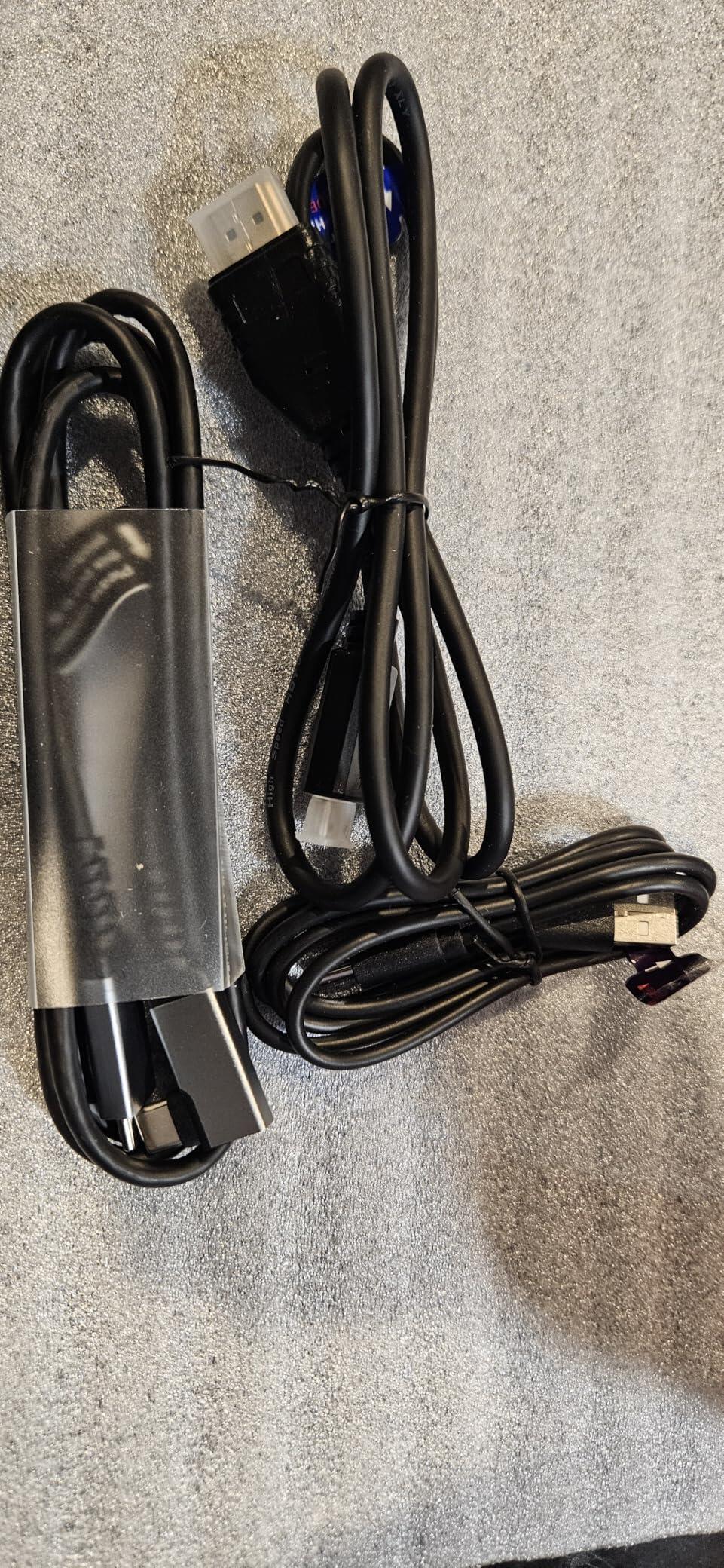
I really like this portable laptop screen extender! It was very easy to set up, though the instructions were a bit confusing. It comes with 3 cords, depending on which ones you need. I was using my USB C port to charge my laptop, so I had to use both the HDMI cord and the USB A cords to connect both power and video. The cords were just long enough to reach the monitor to the right of my laptop. It's pretty much just plug and play, though there are some settings that need to be adjusted. Very user friendly, though. The picture quality is fantastic and the colors are more vibrant than my laptop. It is very easy to turn the monitor from portrait to landscape, as well as change the height of the monitor, as the stand is very well made and quite sturdy. It is very lightweight and easy to fold up and slide into my laptop bag to take with me anywhere. This screen extender will make it easier to get my work done.


セットアップ、ドライバーと互換性
ANYKING S13ノートパソコン用スクリーンエクステンダーとは何ですか?
ANYKING S13は、ノートパソコンにサブディスプレイを追加できる15.6インチフルHD IPSポータブルモニターです。自立式のデザイン、縦横どちらの向きにも対応した表示、高さ調節機能を備えており、ドキュメントやスプレッドシート、参照ページ、ビデオ通話をそれぞれ独立した画面で表示できます。
ANYKING S13にはドライバーが必要ですか?
S13は、標準的なUSB-CビデオまたはHDMI接続では、追加のディスプレイドライバーを必要としません。USB-Cビデオの場合、お使いのデバイスのポートはDisplayPort Alt Modeに対応している必要があります。充電またはデータ転送のみに対応したUSB-Cポートでは、必要なビデオ信号を提供できません。
S13をノートパソコンに接続するにはどうすればよいですか?
お使いのノートパソコンがUSB-Cからの映像出力に対応し、十分な電力を供給できる場合は、付属のUSB-C to USB-Cケーブルをご使用ください。または、ノートパソコンのHDMI出力をS13のMini HDMI入力に接続し、別途USBケーブルを接続して電源を供給してください。
S13はUSB-Cケーブル1本だけで使えますか?
はい、ノートパソコンのUSB-Cポートが映像出力とディスプレイ駆動に必要な電力を両方供給できる場合に可能です。ホストからの電力が不足する場合は、外部USB電源に接続してください。HDMIで映像を出力する場合は、別途USB電源への接続が必要です。
S13はWindowsノートパソコンとMacBookで使用できますか?
S13は、USB-Cビデオ出力またはHDMI接続に対応したWindowsノートパソコンおよびMacBookでご利用いただけます。ご購入前に、お使いのパソコンモデルのポートおよび外部ディスプレイ対応状況を必ずご確認ください。S13はノートパソコンの横に設置するモニターのため、パソコンに取り付けるクランプは不要です。
S13は横向きと縦向きの切り替えが可能ですか?また、高さは調節できますか?
はい。S13は横向きと縦向きの両方に対応しており、最大90°まで画面を回転できます。スタンドは100mmの調整範囲で2段階の高さ調節が可能です。画面を物理的に回転させた後、コンピューターのディスプレイ設定で対応する向きを選択してください。
S13は外部電源が必要ですか?
S13にはバッテリーが内蔵されていないため、使用中は電源が必要です。対応するUSB-Cホストでは、1本のケーブルで映像出力と給電の両方が可能です。HDMI接続の場合は別途USB電源が必要であり、ホストのUSB-C給電が不足する場合は外部電源も必要です。電源アダプターは付属していません。
ANYKING S13のディスプレイ仕様を教えてください。
S13には、1920 × 1080のフルHD解像度、60Hzのリフレッシュレート、16:9のアスペクト比、330ニトの定格輝度を備えた15.6インチIPSディスプレイが1基搭載されています。スプレッドシートや動画には横向き、ドキュメントやコード、長いウェブページには縦向きで使用してください。
S13は接続中に私のノートパソコンを充電できますか?
S13は、互換性のあるPD充電器、ケーブル、およびUSB-C充電に対応したノートパソコンを使用することで、PDパススルー充電をサポートしています。充電性能は、接続する機器および利用可能な電力に依存します。USB-C接続のみでは、ノートパソコンが充電されることは保証されません。
S13は出張やリモートワークに適していますか?
S13の重量は約1.26kg、最も薄い部分の厚さは10.9mmです。スタンドは折りたためて持ち運びに便利なので、自宅、オフィス、会議、出張先など、複数の場所でサブディスプレイを簡単に利用できます。
ANYKING S13の箱には何が同梱されていますか?
同梱品は、折りたたみ式スタンド付きS13ポータブルモニター1台、1m USB-C to USB-Cケーブル1本、USB-A to USB-C電源ケーブル1本、HDMI to Mini HDMIビデオケーブル1本です。電源アダプターおよびキャリングケースは含まれていません。
S13に「信号なし」と表示されるか、検出されない場合はどうすればよいですか?
すべてのケーブルがしっかりと接続されているか確認してください。USB-Cの場合は、お使いのコンピューターのポートが映像出力に対応しているかご確認ください。HDMIの場合は、別途USBから電源を供給してください。画面がちらつく、または接続が切れる場合は、電源供給を確認し、外部電源をお試しください。コンピューターのディスプレイ設定を開き、S13が認識されているか確認してください。問題が解決しない場合は、注文番号、コンピューターのモデル、接続方法、写真または短い動画を添えてANYKINGまでお問い合わせください。